How to Connect Your Yamaha Disklavier to Wi-Fi and the Internet
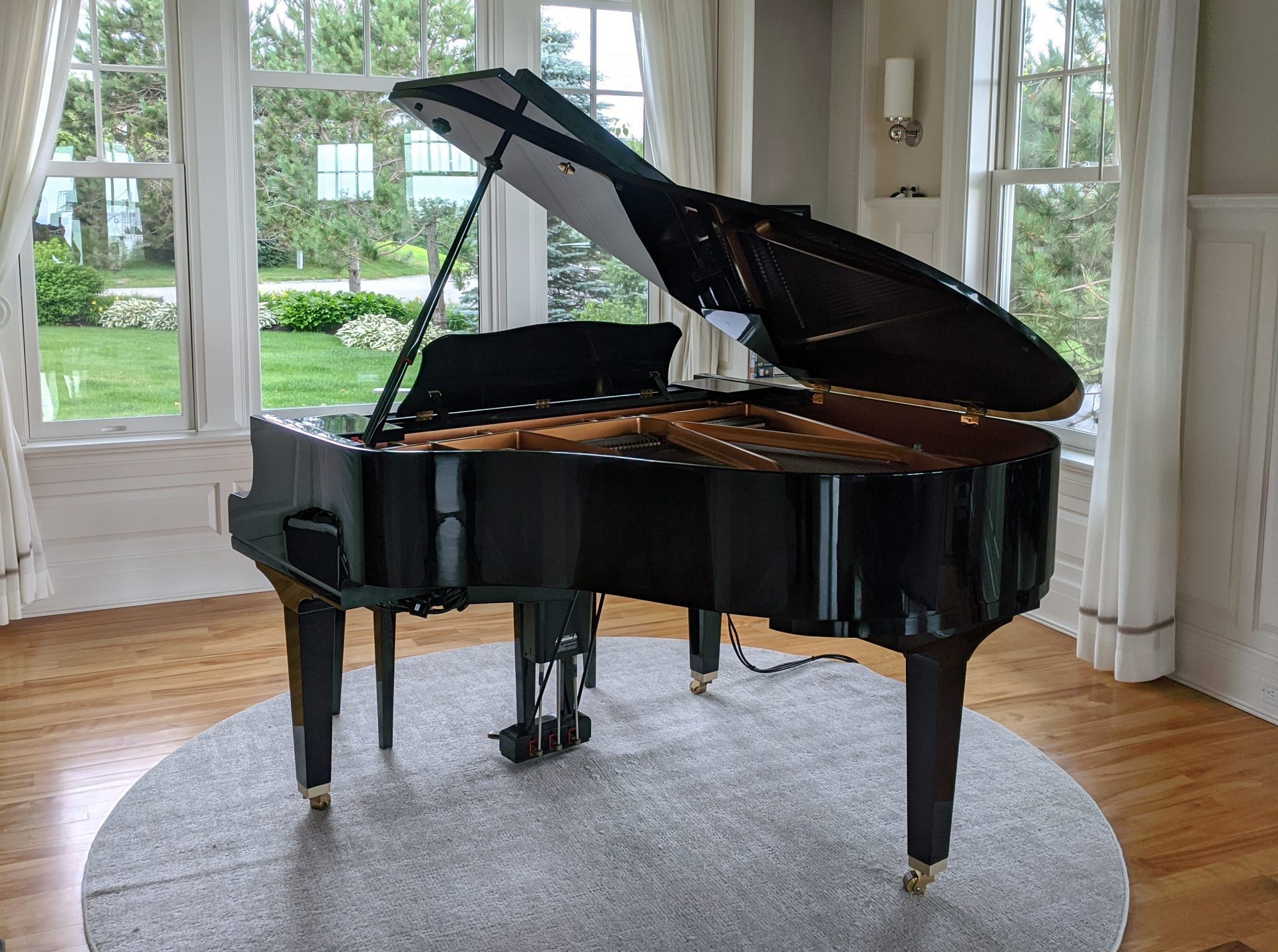
Connect Yamaha Disklaviers to Wi-Fi using a GL.iNet travel router for stable wired-style networking, streaming, and easier setup.
Connect Yamaha Disklaviers to Wi-Fi using a GL.iNet travel router for stable wired-style networking, streaming, and easier setup.
Learn how PianoStream works with Yamaha Disklaviers and other player pianos, including Bluetooth MIDI setup, audio, and compatibility.
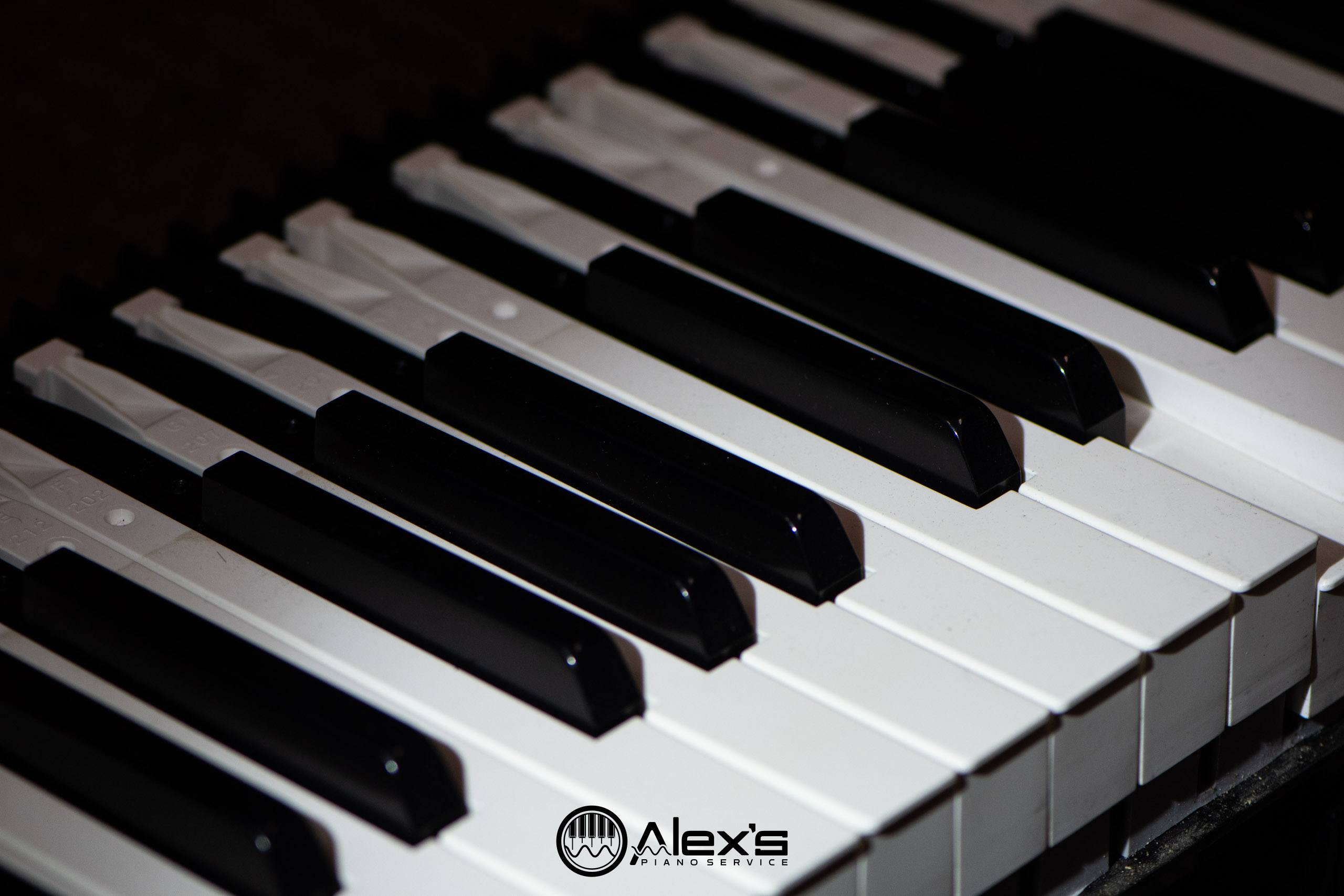
Learn why Yamaha Clavinova keys stick or fail, including cracked key tails, worn parts, repair options, and when service is worthwhile.
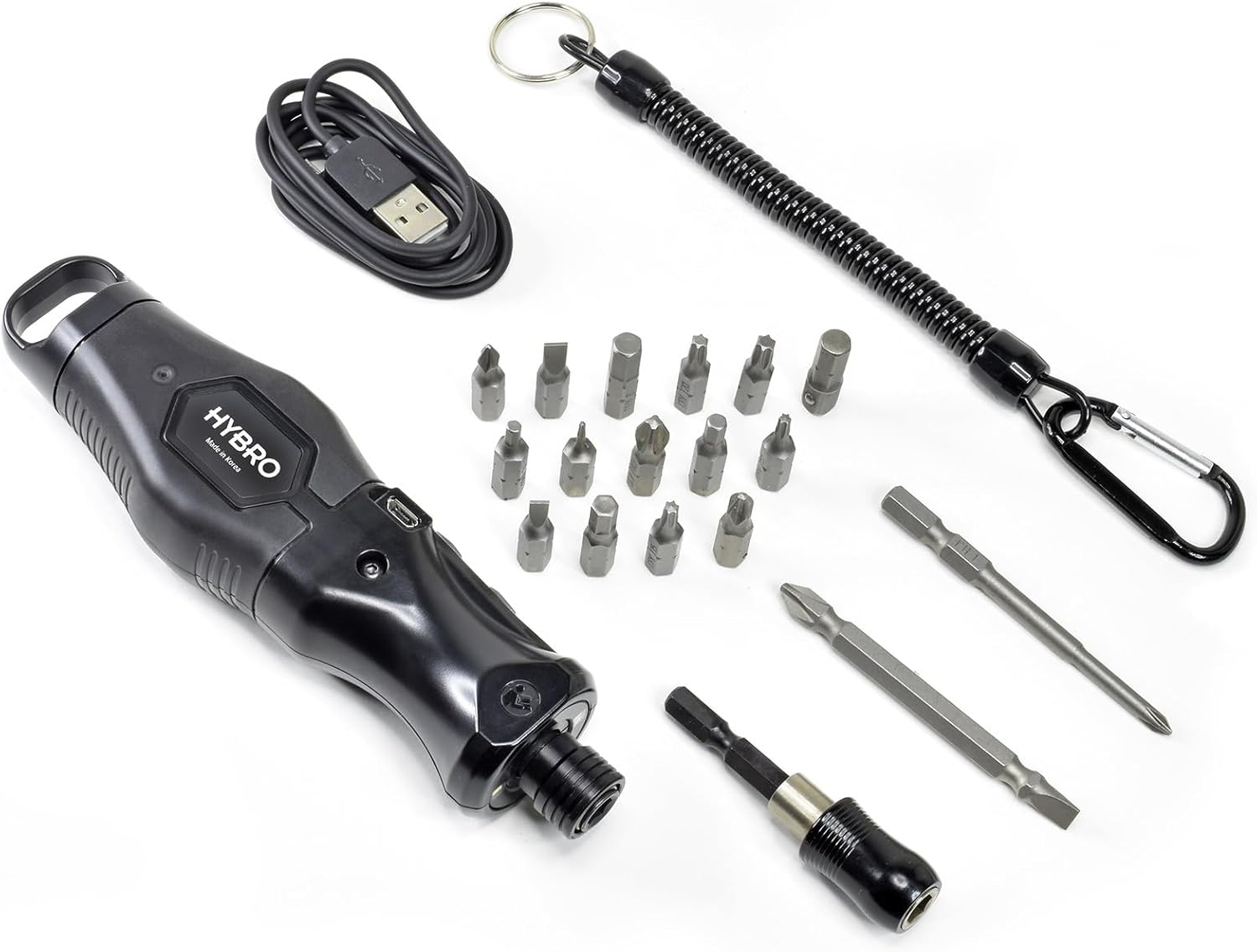
Review of the Micro-Mark HYBRO 400 power driver for digital piano repairs, keyboard disassembly, and faster service work on Yamaha and Roland.
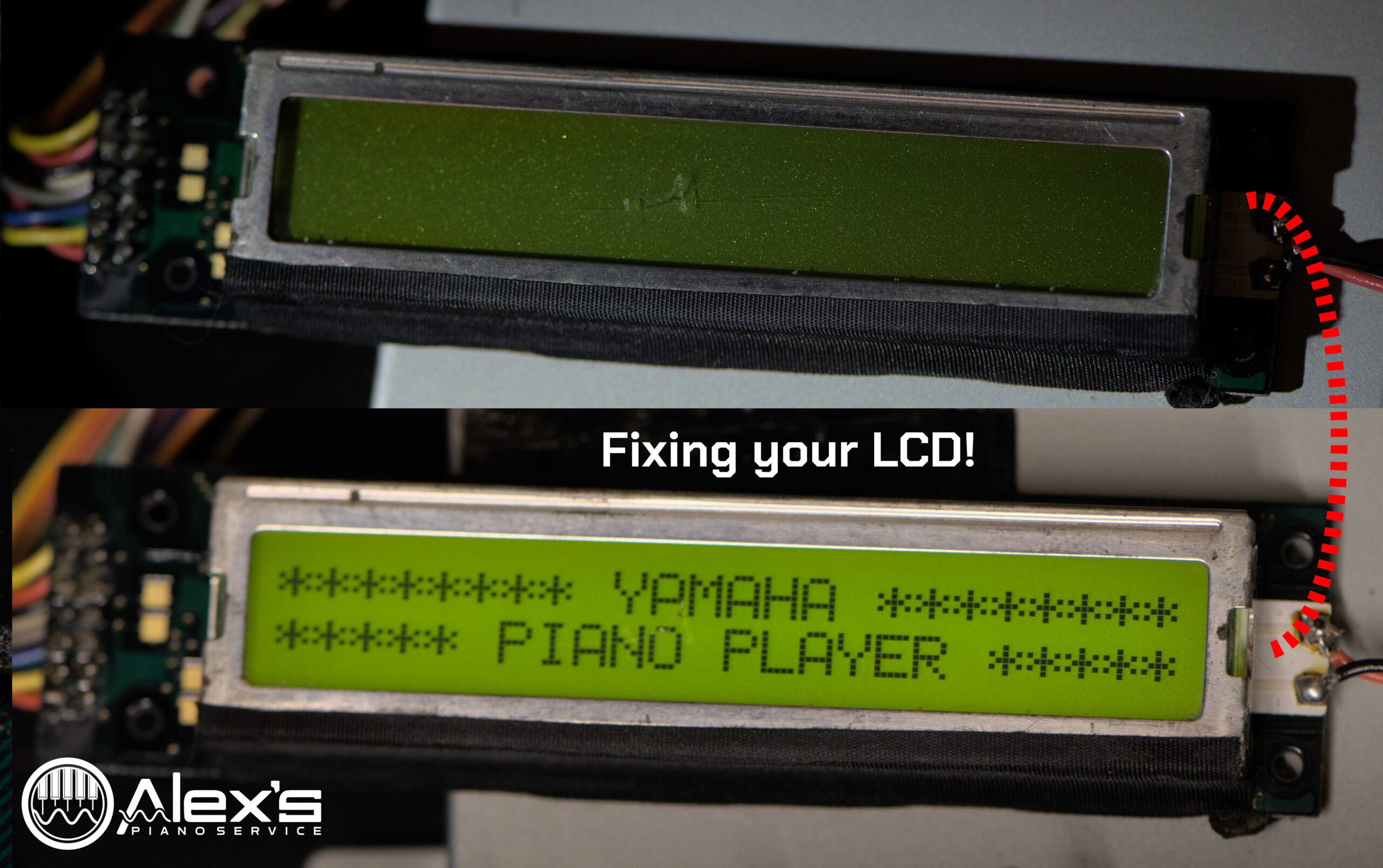
Fix blank LCD screens in early Yamaha Disklavier control units by diagnosing capacitor failure, display problems, and replacement options.

Download blank HFE virtual disks for Nalbantov emulators so older Yamaha Disklaviers can record without formatting loops or unreadable disks.
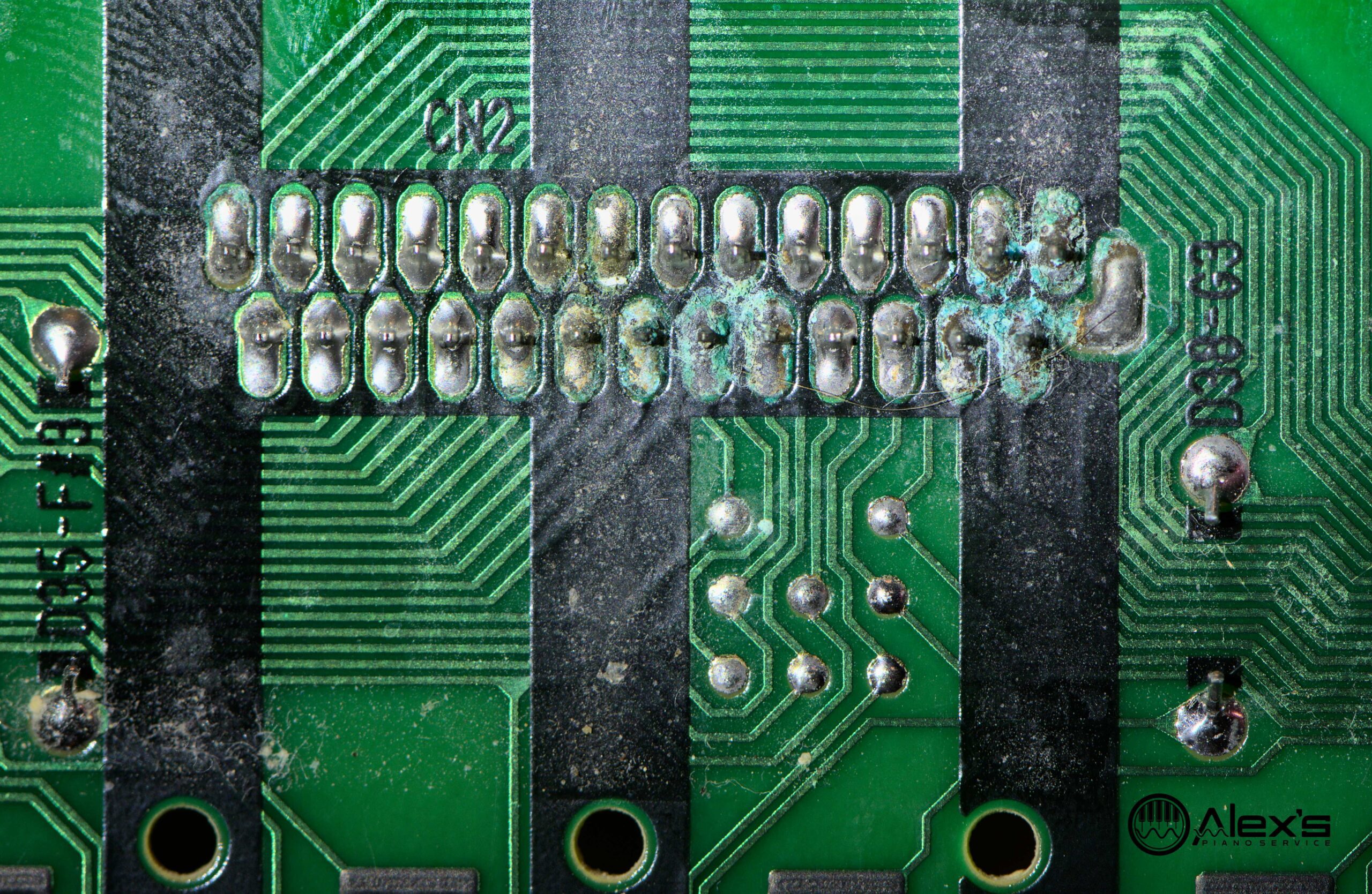
Repair Yamaha CLP-370 sticking, clunking, or dead keys caused by worn felts, damaged contacts, spills, and Clavinova action issues.
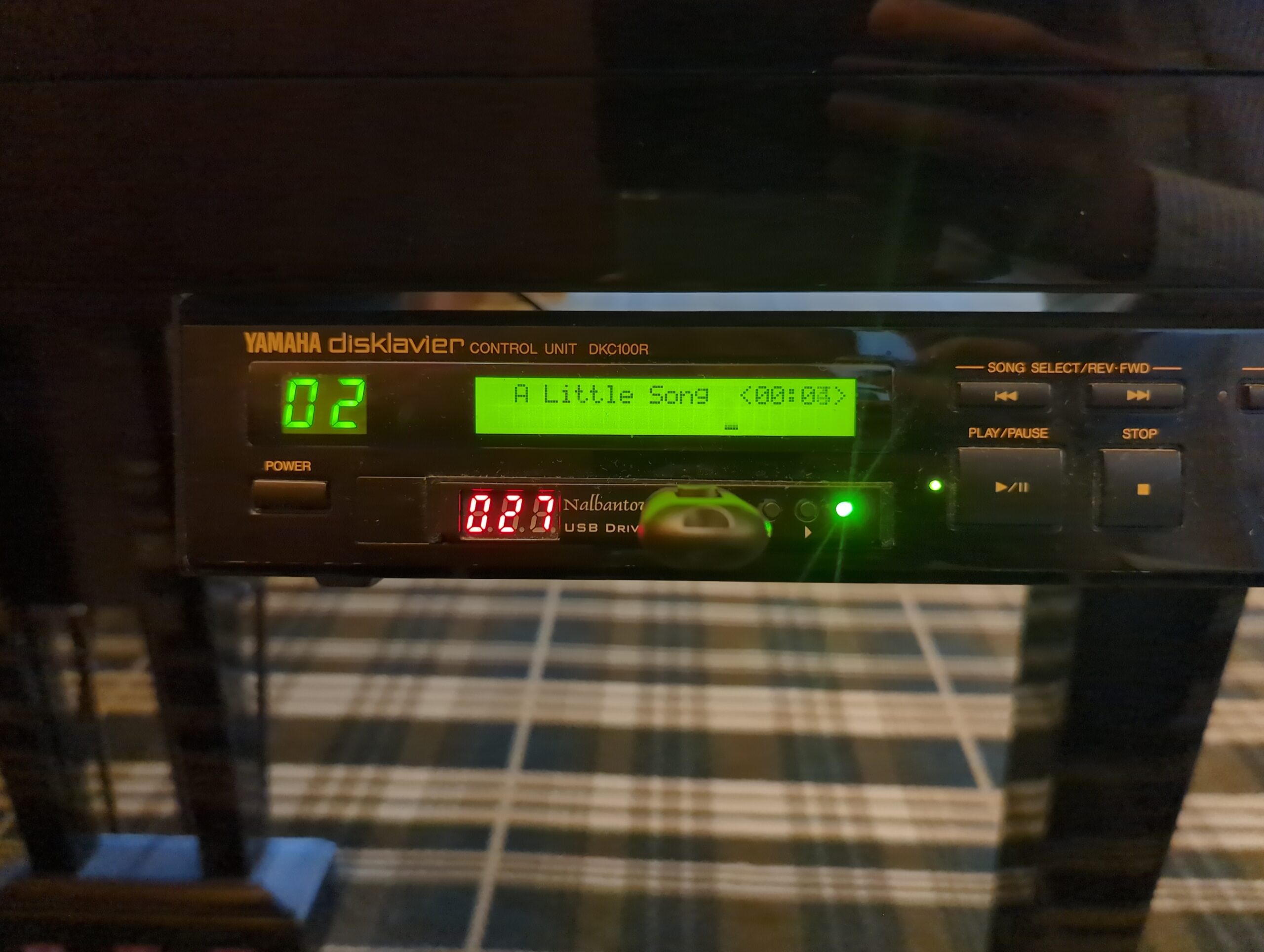
Start planning Yamaha Disklavier upgrades, from PianoStream and Nalbantov emulators to DKC-850, DKC-900, power supplies, LCDs, and firmware.
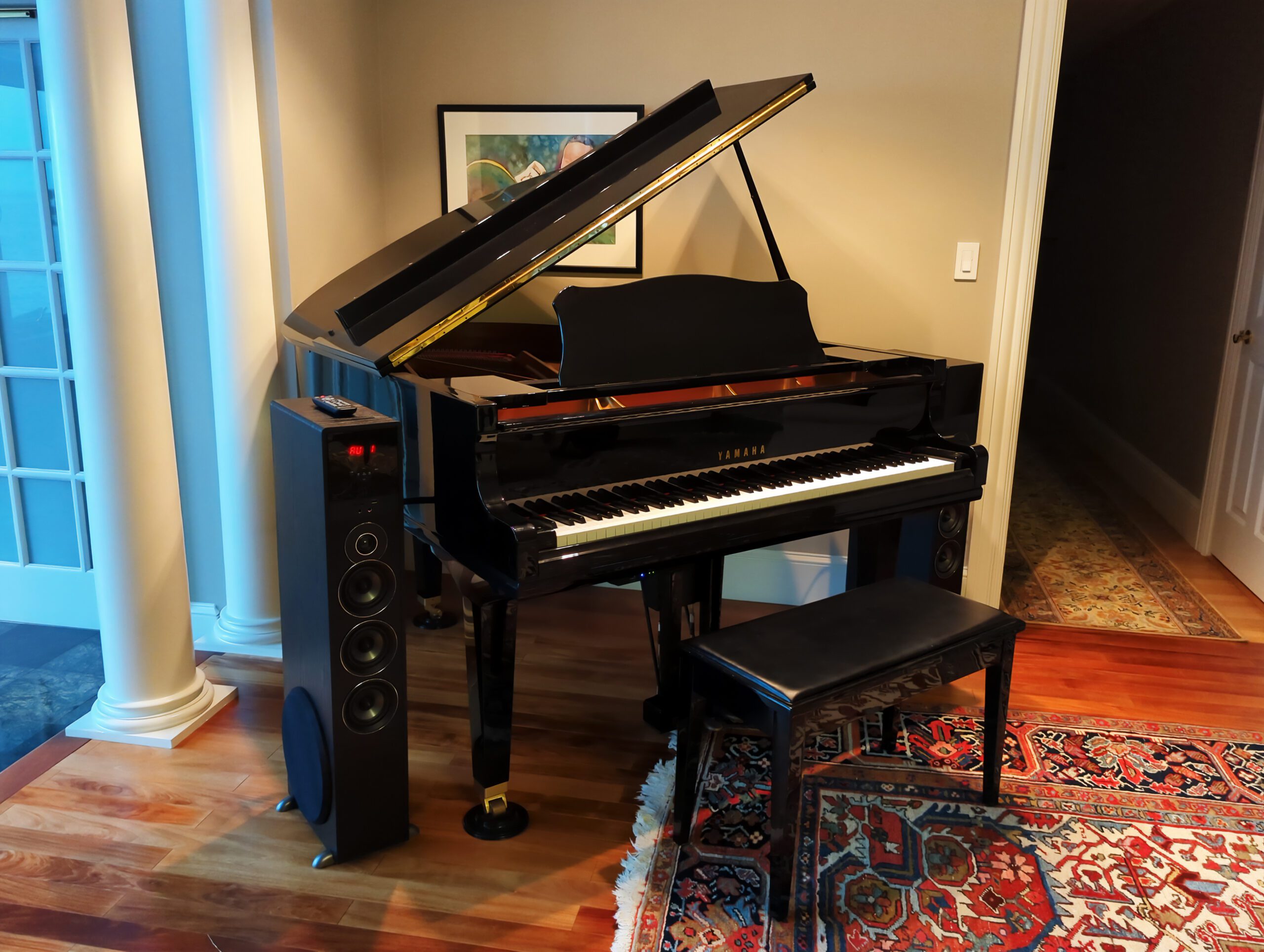
Explore premium Yamaha Disklavier MIDI and E-SEQ music sources, including Yamaha MusicSoft, Dunn Brothers, Jacob’s Piano, and more.
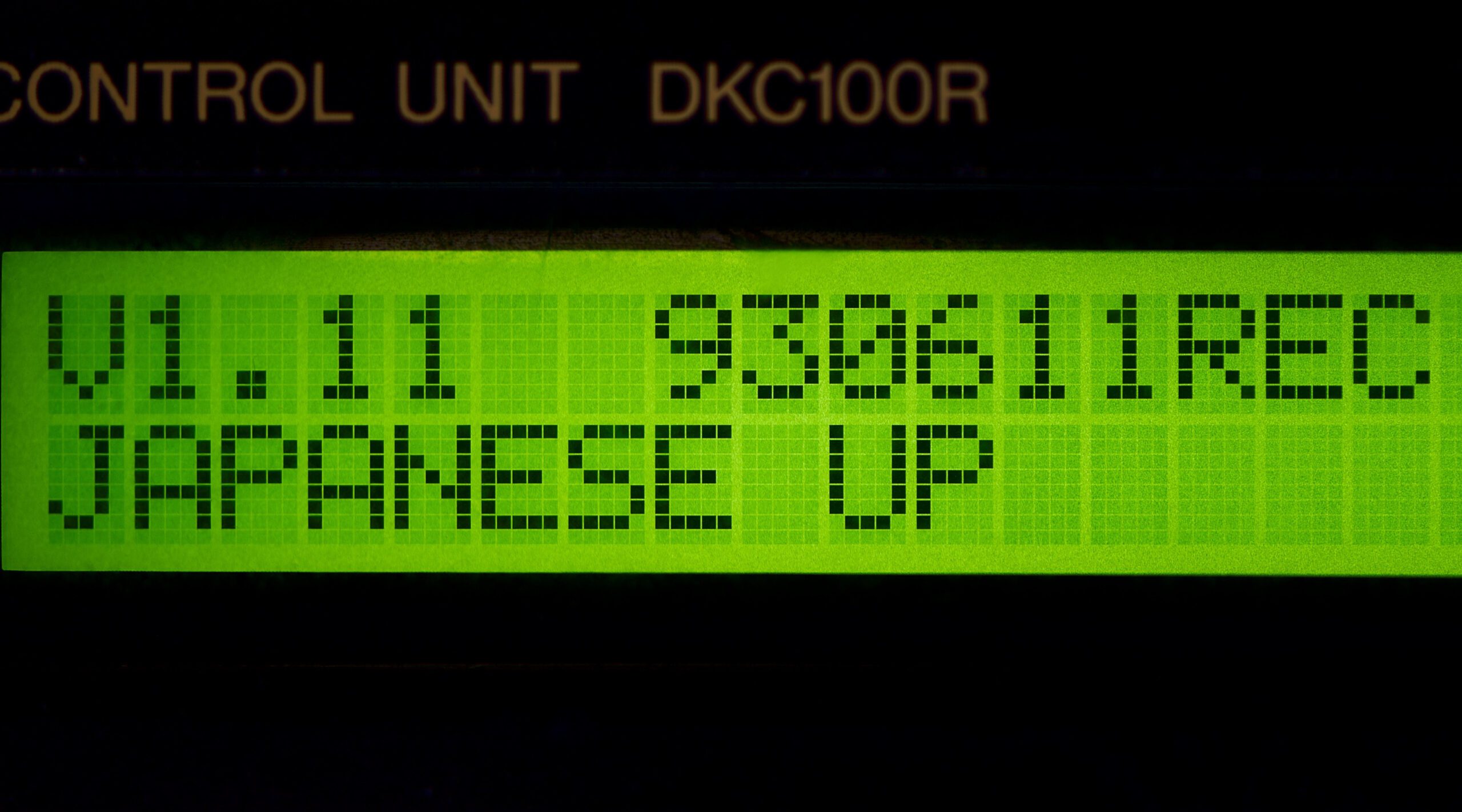
Find out whether a Yamaha HQ100 or MX100II Disklavier can play MIDI files or needs E-SEQ by checking model and firmware details.