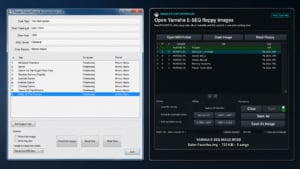
Usually, no. The Yamaha MX-100II and its Japanese counterpart, the HQ-100, normally play Yamaha’s proprietary E-SEQ files from floppy disk rather than standard MIDI files. However, some later-production units do appear to support SMF Type 0 MIDI playback from floppy disk, depending on ROM version.
For the broader model picture, see my Disklavier Compatibility Table. If you have an HQ-100 or MX-100II, you can perform the test below.
This is separate from sending MIDI into the piano through its MIDI ports. If you just want to play MIDI from a phone, tablet, or computer without relying on floppy disks, see my PianoStream guide.
How to check whether your HQ-100 or MX-100II can play MIDI files
Enter Test Mode and check two ROM version screens.
1. Check the Control Sheet ROM
- Turn the piano off.
- Press and hold [L] and [R] while turning the power on.
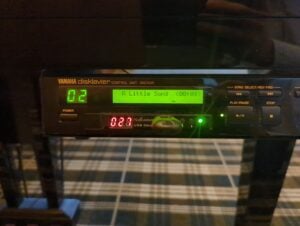
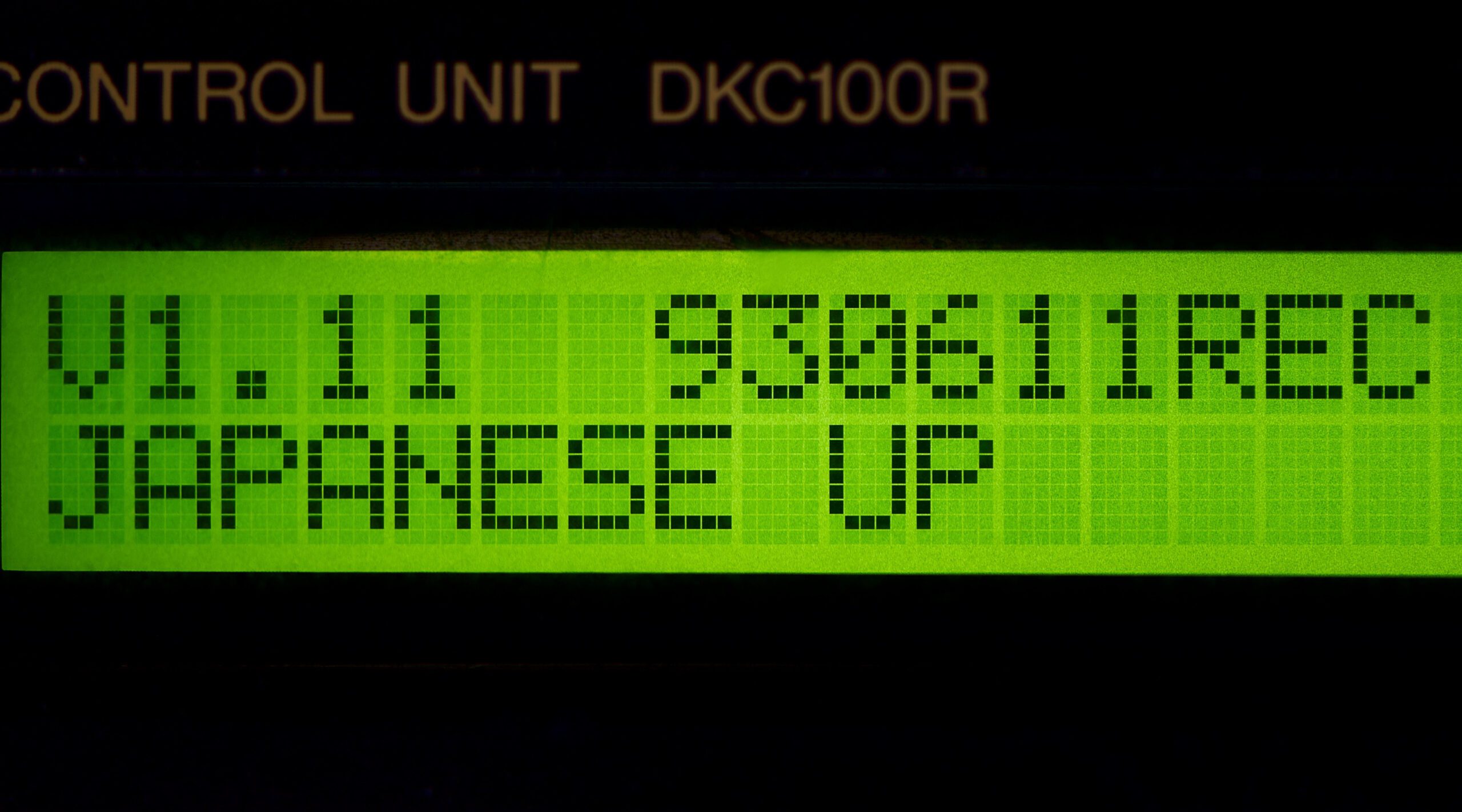
- When Test Mode appears, press [+] once to reach the Control Sheet screen, shown as
<CTRL>. - Press [>>|] once to display the ROM version.
* TEST MODE UP
* - < - PUSH -> -

* TEST MODE UP *
* CTRL SHEET ***

V1.21 940606 REC
JAPANESE UP
If the Control Sheet ROM is V1.21 or later, continue to the next check.
2. Check the PK Control Sheet ROM
- Power the piano off.
- Again, press and hold [L] and [R] while turning the power on.
- When Test Mode appears, press [+] twice to reach the PK Control Sheet screen, shown as
<PK-CTRL>. - Press [>>|] once to display the ROM version.
* TEST MODE UP
* - < - PUSH -> -

* TEST MODE UP **
* PK CTRL SHEET *

PK CTL ROM
Ver1.24 94.06.06
If the PK Control ROM is V1.24 or later, your piano should support MIDI playback from floppy disk.
What the result means
If both ROM screens meet those version thresholds, your piano appears to be one of the later units that can read floppy-based MIDI.
You should still use 720 KB 2DD floppy disks and keep filenames eight characters long or less.
Use SMF Type 0. If your file is Type 1, convert it first with my Type 1 to Type 0 converter. Even when the MX-100II or HQ-100 do support MIDI, it’s Type 0 only.
If the ROM versions are lower than the thresholds above, treat the piano as E-SEQ-only for floppy playback.
Further guides on E-SEQ and MIDI
Use the dedicated guides below instead.
- Need to convert MIDI to E-SEQ or create a song index? Read Converting MIDI Files and Creating PIANODIR.FIL for E-SEQ Files.
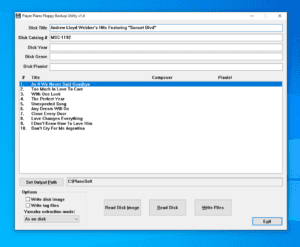
- Need to back up disks or format 2DD floppies? Read Using PPFBU to Back Up Disks: Disklavier Floppy Disks, E-SEQ, and MIDI Formats.
- Need Disklavier floppy and MIDI utilities? See Yamaha Disklavier, MIDI, E-SEQ, and Floppy Disk Tools.
- Want to play MIDI without floppy disks? See PianoStream: Streaming Upgrade for Digital Player Pianos.