How to Connect Your Yamaha Disklavier to Wi-Fi and the Internet
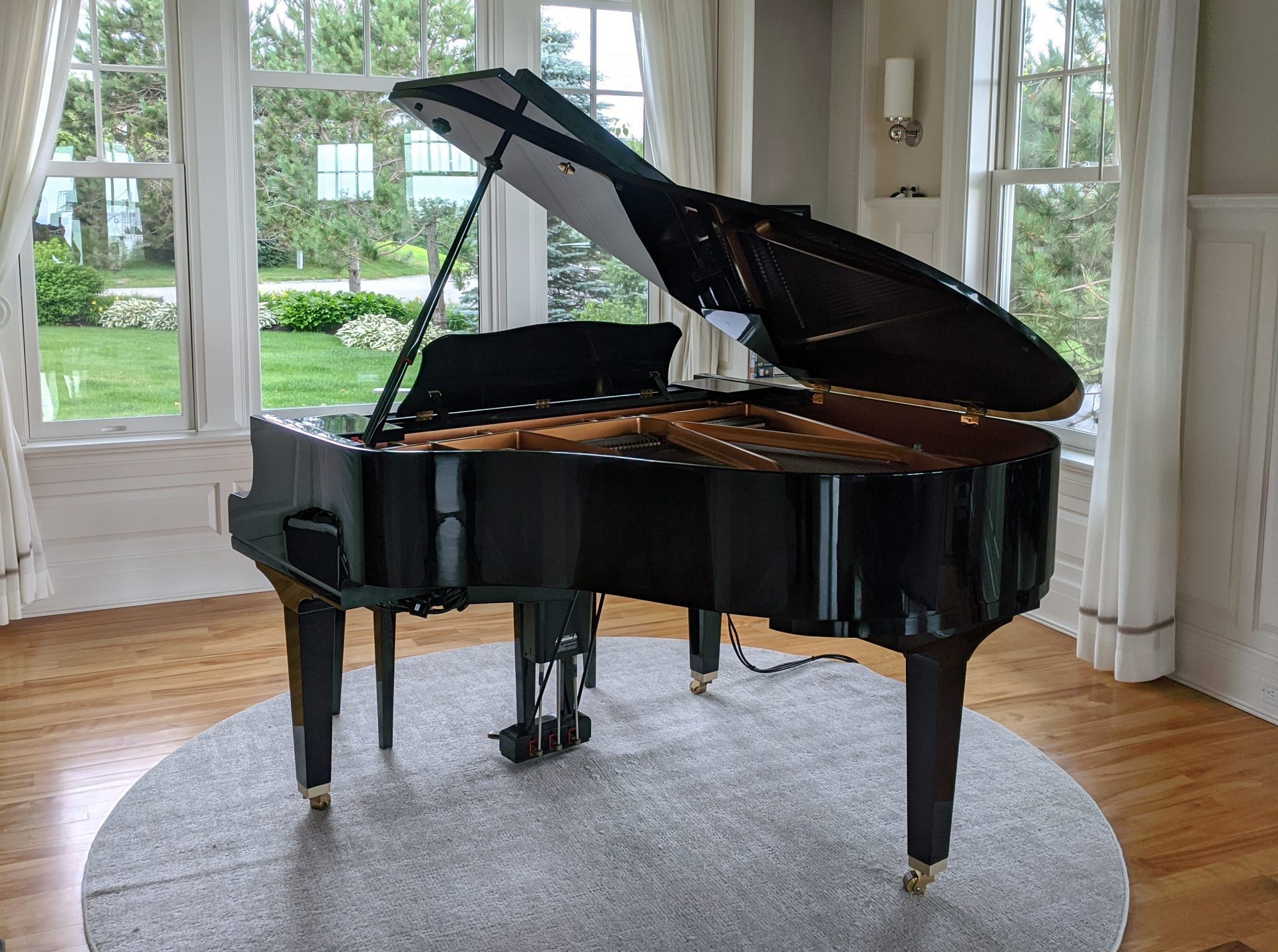
Connect Yamaha Disklaviers to Wi-Fi using a GL.iNet travel router for stable wired-style networking, streaming, and easier setup.
Connect Yamaha Disklaviers to Wi-Fi using a GL.iNet travel router for stable wired-style networking, streaming, and easier setup.
Learn how PianoStream works with Yamaha Disklaviers and other player pianos, including Bluetooth MIDI setup, audio, and compatibility.
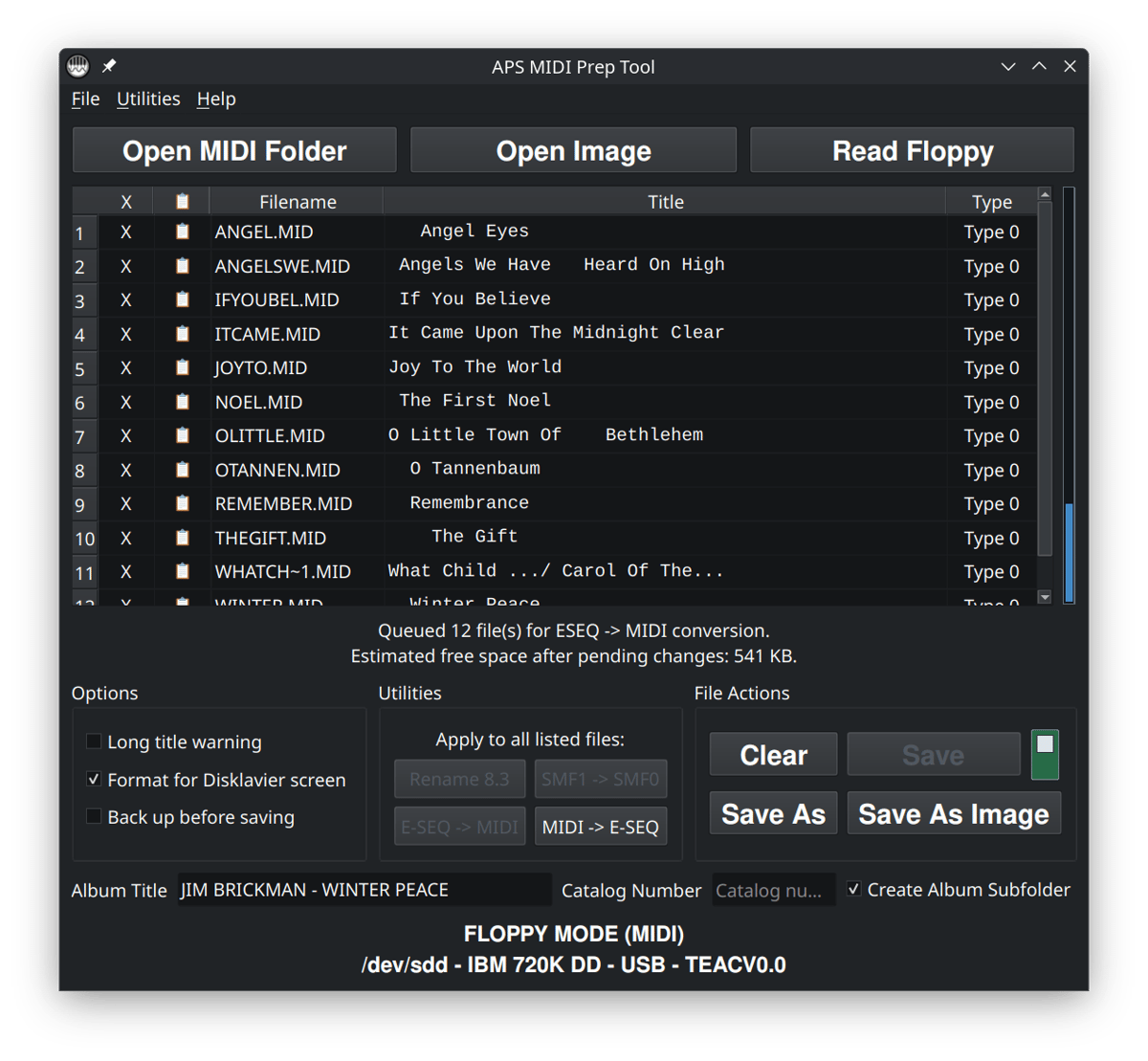
Download piano and Disklavier software tools for MIDI files, E-SEQ, floppy disks, title editing, disk images, and older player piano workflows.
Use PSX E-SEQ archive files with Yamaha Disklaviers by downloading, extracting, organizing, and playing older floppy-based music files.
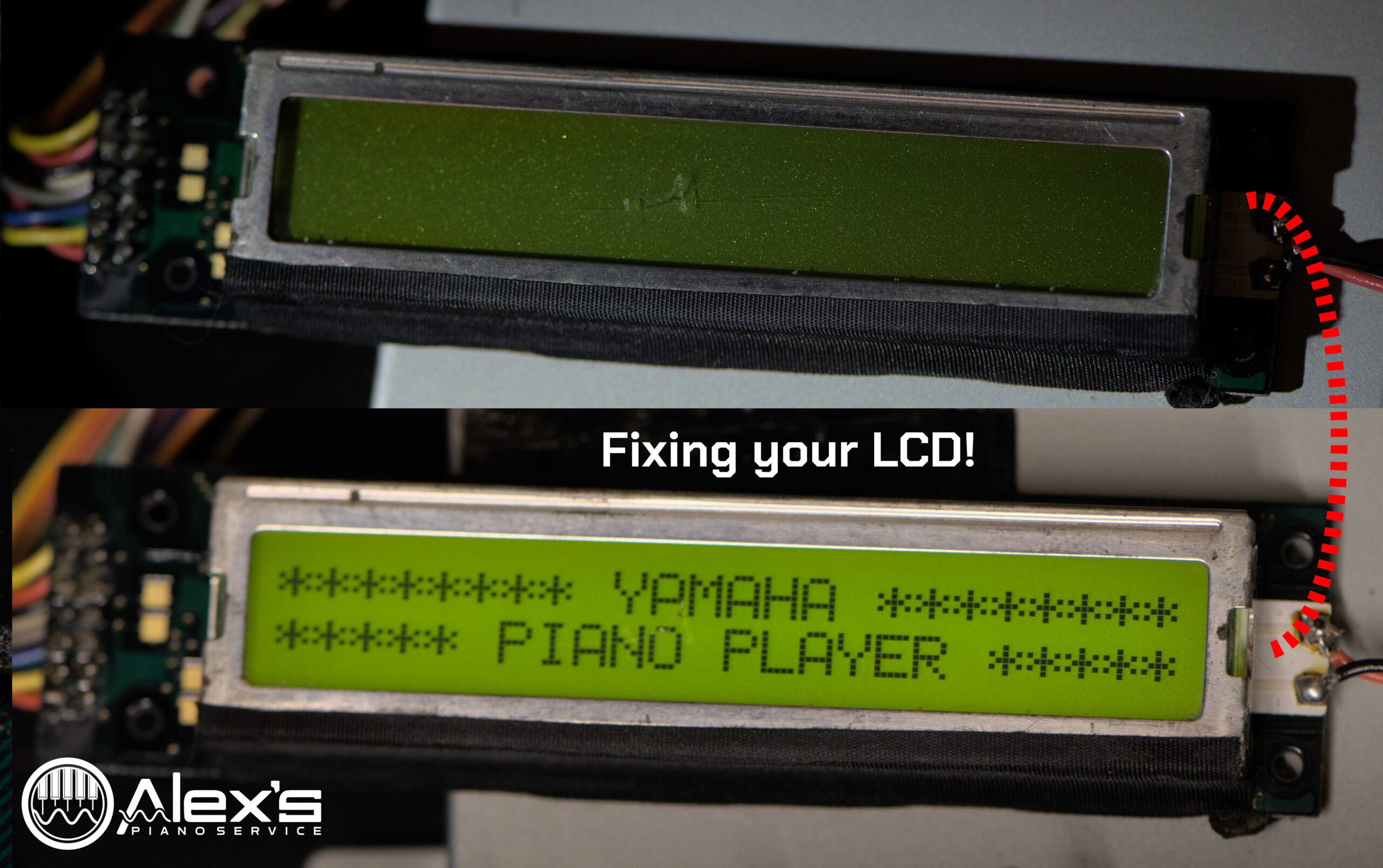
Fix blank LCD screens in early Yamaha Disklavier control units by diagnosing capacitor failure, display problems, and replacement options.

Download blank HFE virtual disks for Nalbantov emulators so older Yamaha Disklaviers can record without formatting loops or unreadable disks.
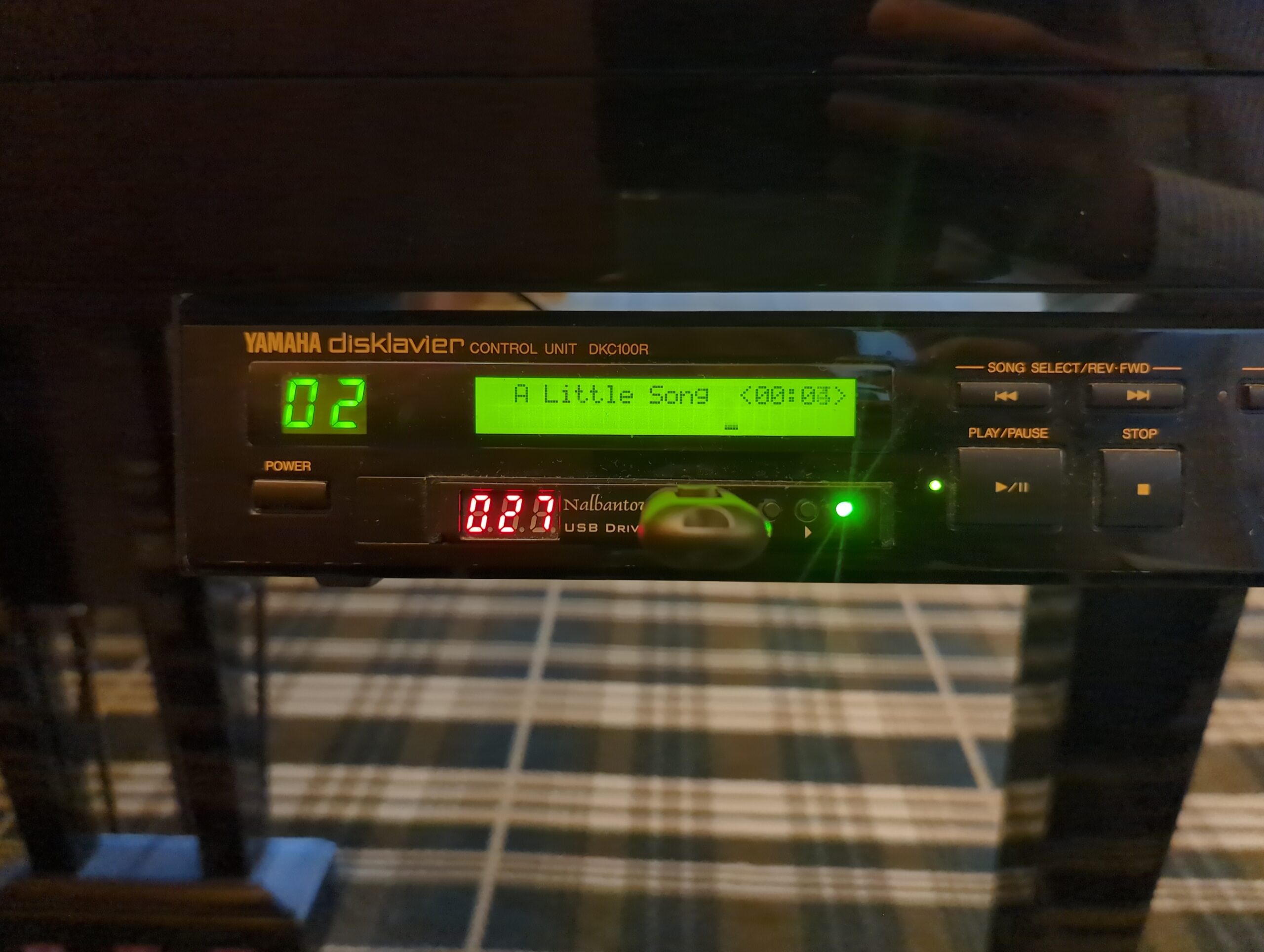
Start planning Yamaha Disklavier upgrades, from PianoStream and Nalbantov emulators to DKC-850, DKC-900, power supplies, LCDs, and firmware.
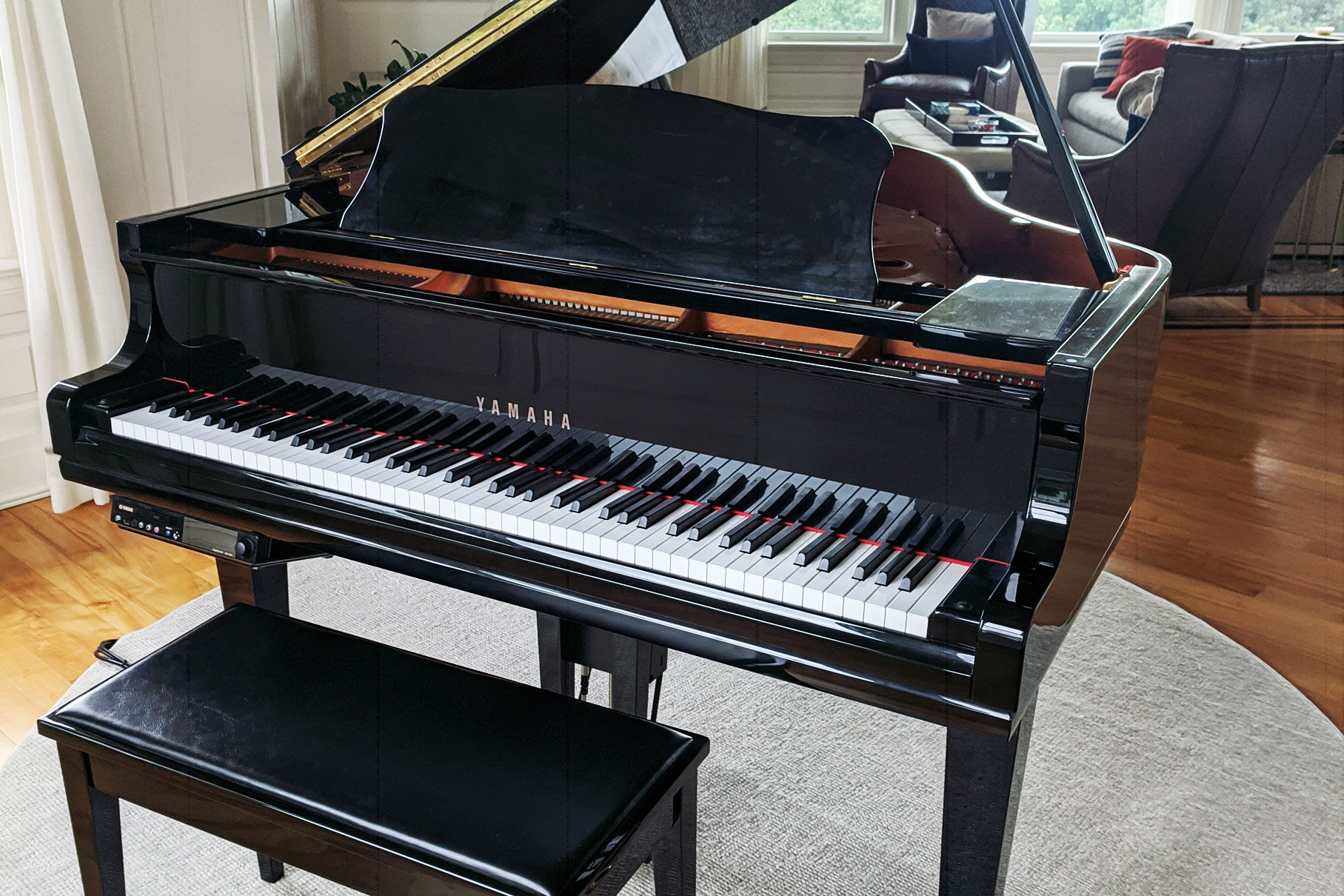
Customers routinely ask me whether their Disklaviers can play MIDI, or only E-SEQ (often written ESEQ), what services they support, and whether they can be upgraded. I’ve constructed this chart of Disklavier compatibility to answer those questions. This table lists various Disklavier controllers and their corresponding floppy disk formats, recording capabilities, and playback options. Please … Read more
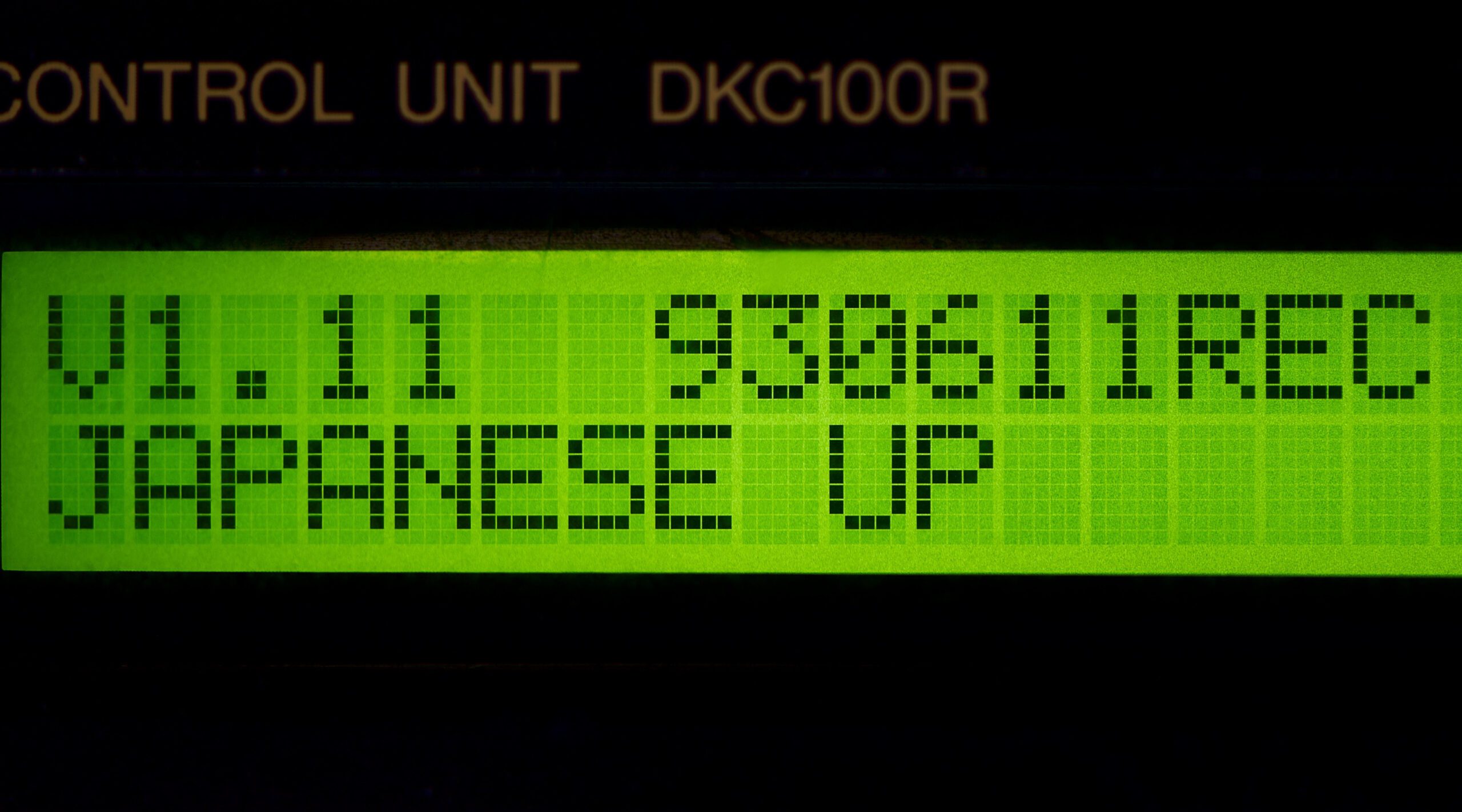
Find out whether a Yamaha HQ100 or MX100II Disklavier can play MIDI files or needs E-SEQ by checking model and firmware details.
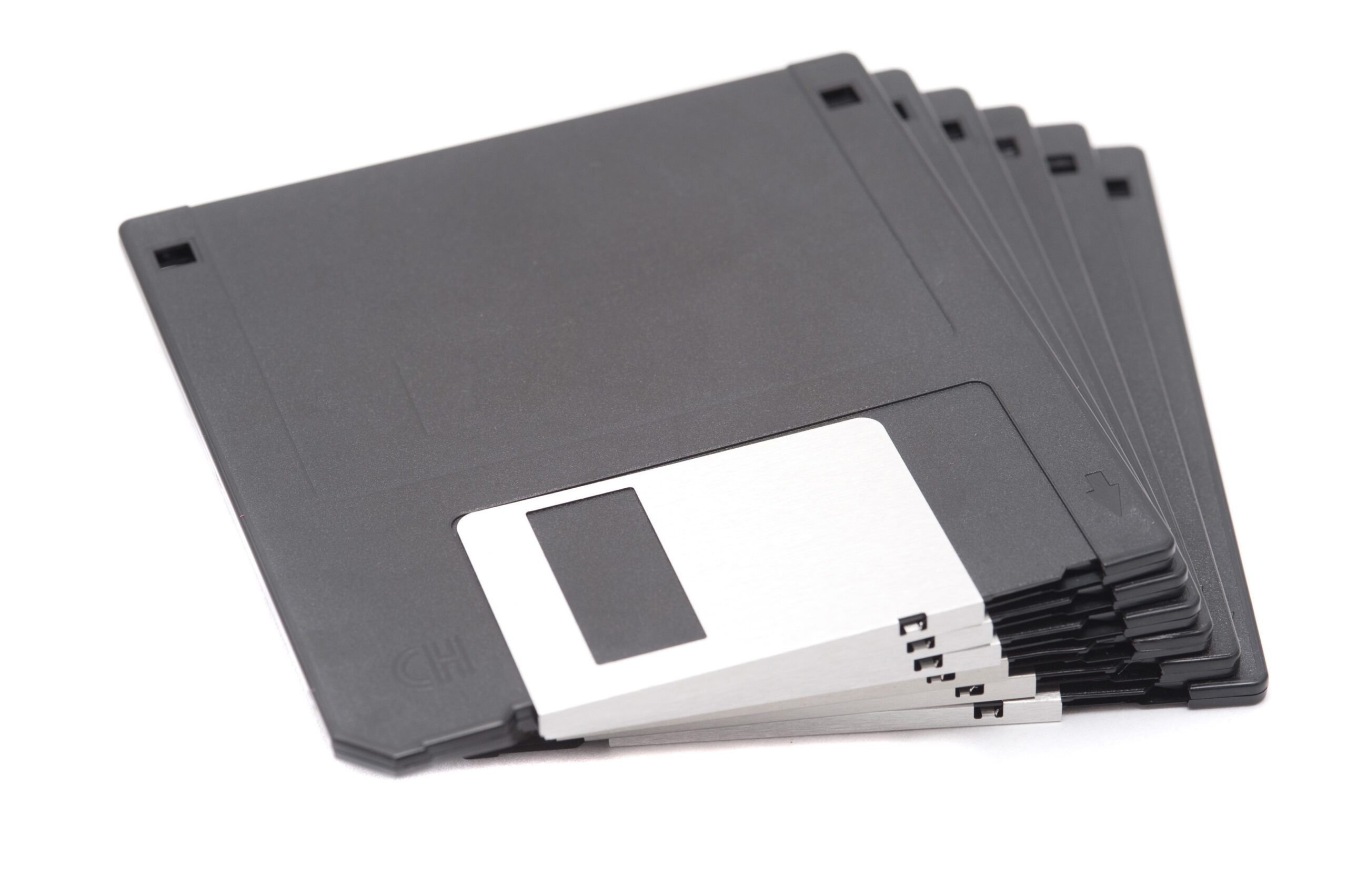
Find Yamaha Disklavier floppy disk tools for MIDI, E-SEQ, PIANODIR.FIL, Nalbantov, Gotek, Greaseweazle, disk imaging, and recovery.