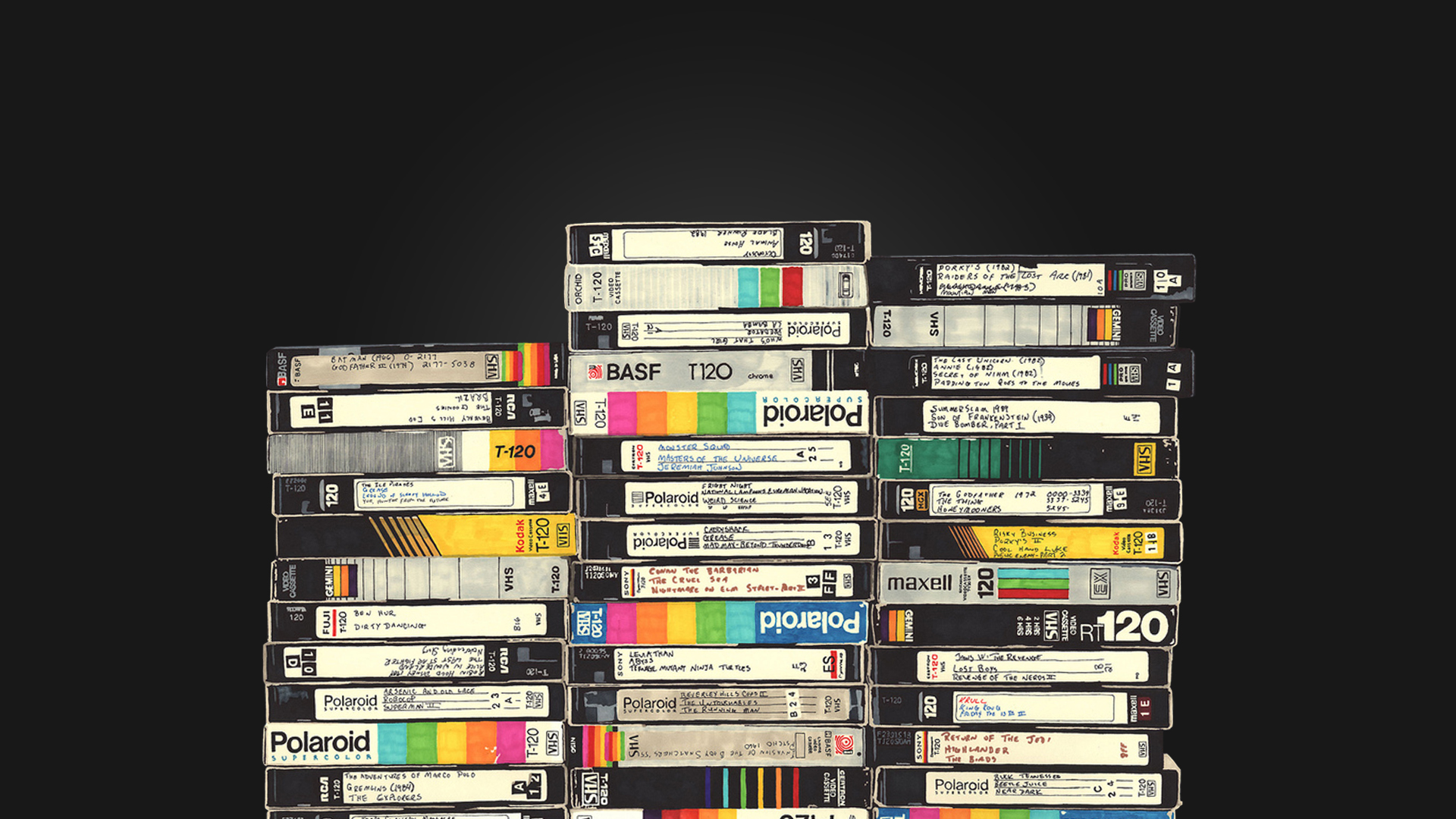
If you’re sitting on a cherished VHS collection—whether it’s home movies, rare recordings, or out-of-print media—it’s absolutely worth digitizing it while you still can.
What got me involved in this? I’ve established a bit of a reputation as the “legacy media guy” with my customers, thanks to all of these floppy disk transfers. So they’ll sometimes ask me obscure questions about digitizing slides, cassette tapes, DVDs, and other media.
I was recently upgrading a customer’s Hammond A (with parts from Trek II), and he mentioned to me that he had a collection of over 200 personal VHS tapes. He asked me about how to digitize them, and I thought my recommendations to him were worth posting here.
Some links in this article are affiliate links. As an Amazon Associate I earn from qualifying purchases. Your click fuels hours of reviewing old service manuals—at zero added cost to you.
Why Digitize VHS Tapes?
Tapes degrade over time, and VCRs are only getting harder to find and maintain. Even stored properly, the video on VHS tapes will eventually fade. But when it comes to transferring your VHS tapes to digital, not all solutions are created equal. The quality of your final result depends heavily on the gear you use—especially the capture device.
Why Use a Capture Card?
A capture card is the bridge between your analog VCR and your digital computer. It takes the analog video and audio signal coming from your VHS player and converts it into a digital format that your computer can save and process. The difference between a decent transfer and a muddy, glitchy mess often comes down to how well your capture device handles this process.
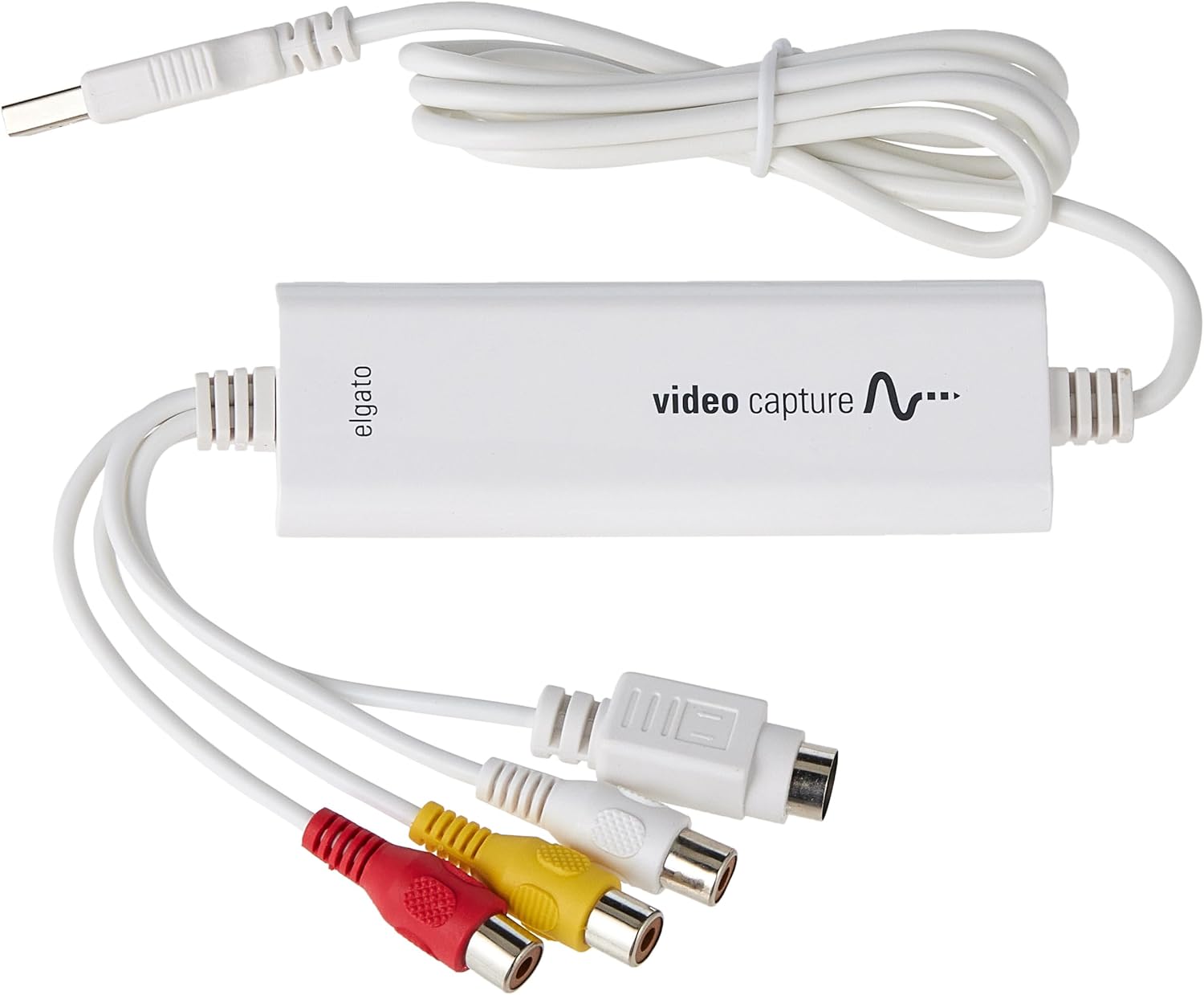
The Elgato Video Capture Device
From what I’ve been able to find, the Elgato Video Capture device (around $80) stands out as one of the best consumer-level devices for this task. It’s a plug-and-play USB device that’s compatible with both Mac and Windows, and it comes with software that makes the process straightforward even if you’re not especially tech-savvy.
Why is Elgato worth the price?
Reliable video sync: It helps avoid dropped frames or audio/video drift that can plague cheaper options.
Decent color reproduction: The colors you see on screen stay true to the original.
Minimal compression artifacts: You don’t get the heavy pixelation or ghosting that cheaper converters sometimes produce. This is frequently due to poor internal shielding—a common area where low-cost devices cut corners.
Long-term reliability: Elgato is a reputable brand with solid support and regular software updates. The software makes a big difference: You want software that’s relatively easy to use, and that easily saves to high-quality formats.
You can purchase the Elgato on Amazon here.
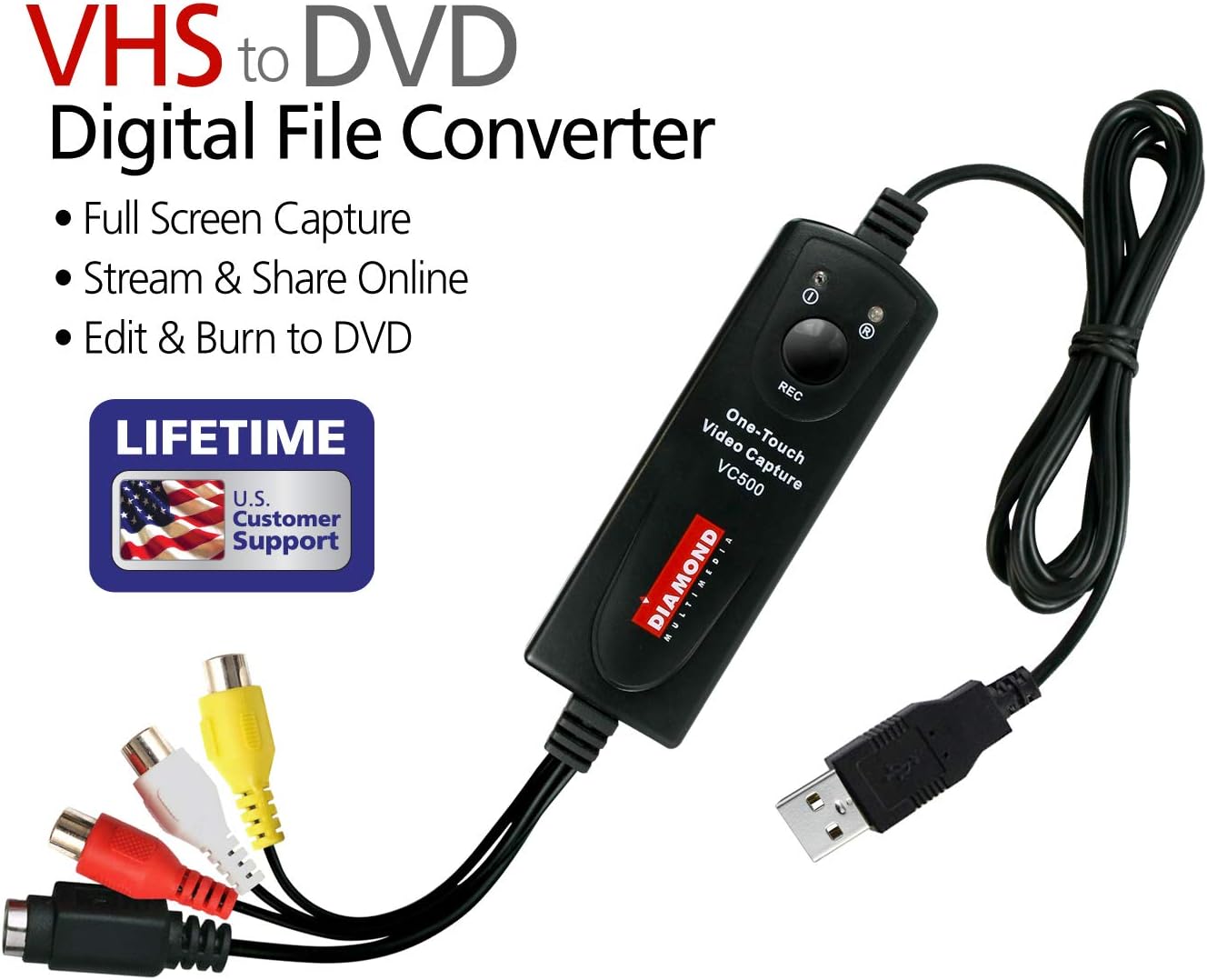
Diamond VC500
If you’re looking to spend a bit less, the Diamond VC500 is another decent option, usually priced around $40. You can purchase it on Amazon here. It doesn’t have quite the same polish or compatibility across systems as the Elgato, but it’s generally reliable and produces better results than the flood of cheap knockoffs you’ll find online. It’s still considerably better than most of the devices on Amazon. I’ve purchased it for family members digitizing their media (we recently had a string of family members pass), and it was invaluable for that purpose.
Beware the Knockoffs
It might be tempting to grab a no-name capture card for $15–$25 on Amazon or eBay. After all, how different could they be? In truth, very different. These knockoffs often:
Use outdated or unsupported drivers that barely work on modern computers.
Introduce serious audio sync issues, often making the result noticeably lower quality than the original.
Drop frames or degrade resolution leaving you with jerky or blurry footage, ghosting, or other artifacts.
Lack customer support or reliable documentation. The software they use is frequently both proprietary and unsupported.
If you’re only digitizing one or two tapes and aren’t too concerned about quality, these might work in a pinch—but for anything beyond that, you’re gambling with your footage.
Quality vs. Quantity
If you’re transferring a large VHS collection—especially if the tapes have sentimental or archival value—it’s well worth investing in a decent capture setup. The extra money you spend upfront ensures your memories are preserved in the best possible quality, and you’ll avoid the frustration of botched transfers or having to redo work later.
Think of it like scanning old photos. Would you want them blurry, discolored, or half-cut-off? Probably not. Video is no different. And it’s still much cheaper than any paid service if you have lots of tapes!
Tips for Better Transfers
Use a high-quality VCR
A 4-head or even a Super VHS (S-VHS) player can significantly improve the playback quality. Search eBay for a VCR meeting those specifications. Units in the JVC HR‑S7xxx/9xxx series are particularly well-regarded by enthusiasts, although anything in the HR-S family will be excellent. Avoid VCR/DVD combos and Funai/Magnavox units.
Clean your VCR heads
You should clean your VCR heads before starting, especially if your VCR hasn’t been used in years. If you’re playing very old tapes, it’s not a bad idea to clean them periodically (every dozen tapes). Here’s a Lifewire article on cleaning your VCR heads.
Capture at the full resolution
Capture at full NTSC/PAL resolution in a lossless or very-high-bit-rate format. You can compress later if needed. However, if you’re making archival copies, you should keep the highest quality master copies that space allows. Storage is inexpensive, and even high-resolution captures of VHS tapes are less than 5 GB for two hours of content. Keep your files stored in a lossless or high-quality format.
Back up your digital files
None of this matters if you lose all of your archived files! Keep good quality backups, and as a rule you should keep a full set of backups both at your house, and at another location of your choosing. If the originals and the backups are destroyed by some terrible event in your home, you’ll have the backups stored elsewhere. Cloud backups are also an option, and services such as Mega.nz provide inexpensive storage.
Final Thoughts
Preserving VHS tapes isn’t just about nostalgia—it’s about ensuring your memories survive into the digital age. With a little time and the right equipment, you can create a high-quality digital archive that lasts far longer than any tape ever could. While the Elgato Video Capture might cost a little more upfront, it’s worth the peace of mind and the time you’ll save in the long run.


I have a VHS tape 40 years old, will I potentially be degrading it more by playing it before giving to for example CVS to digitize it? I haven’t looked directly at the physical tape yet although it’s still intact, it was in my attic for the past three or four years and May only have one play left in it. CVS charges 35 bucks so that would be worth giving to them directly if playing it on a VCR player one time may destroy it. thank you!
Hello Jessica!
Before you do anything, inspect it visually through the cassette window without opening the cassette. If you see white/gray mold, wrinkled or loose tape, broken tape, or if it smells strongly musty, I would avoid playing it and consider a specialty video-transfer/restoration shop rather than a basic retail transfer service like CVS. For instance, Pacific Video Repair will fix moldy or damaged tapes and can also digitize them.
If it looks clean and intact, CVS is probably a reasonable option for the price. If the tape looks fine and you do opt to play it back yourself, the most important thing is that you use a clean, well-maintained and tested VCR to perform the playback. Playing back a tape shouldn’t damage a tape in good condition, provided the VCR is also in good condition. Test your VCR on other tapes first and make sure everything sounds fine, and that playback quality looks fine. CVS or another transfer service will still have to play the tape in order to digitize it, so it is not that their process is automatically harmless, but that the equipment used will be clean and aligned.
Thank you!