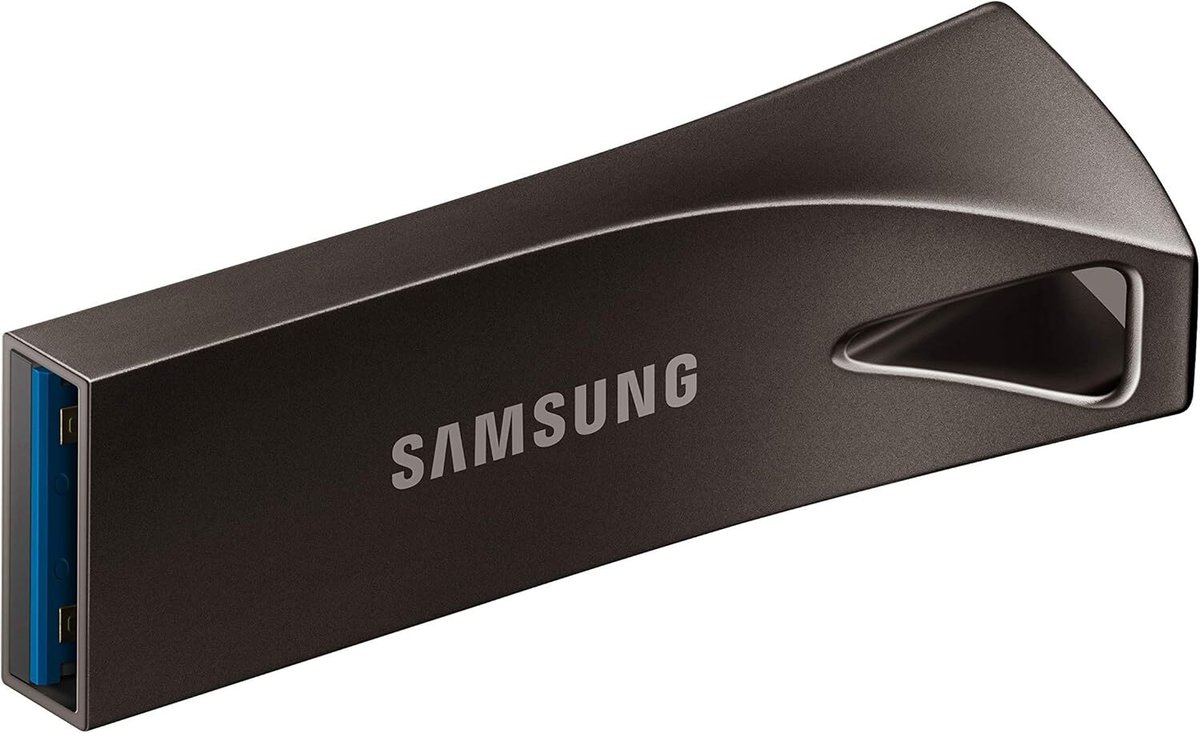
Over the years of installing USB emulators in Disklaviers, I’ve become increasingly choosy about my USB sticks for Nalbantovs.
Some links in this article are affiliate links. As an Amazon Associate I earn from qualifying purchases. Your click fuels hours of reviewing old service manuals—at zero added cost to you.
My current recommendation is the Samsung BAR Plus 64 GB. These are all-metal USB sticks that dissipate heat very nicely, and are durable in the event of an impact. I’ve found them to be both durable and reliable. The 64 GB size is recommended by Stoyn at Nalbantov, and this is the size included with their devices. USB stick speed generally correlates with size, and these larger drives are less likely to cause hiccups with slower speeds.
Previously, I recommended Kingston 64 GB DataTravelers. Those are excellent drives with similar construction to the Samsung BAR Plus; however, those have become harder to find lately.
Before that, I recommended the SanDisk Ultra Fit 64 GB. As a smaller USB stick, it was less likely that people would bump into it. I would tie on some Atwood Micro Cord, and tie off the end in a Lanyard (Diamond) Knot. However, I’ve had multiple instances of these drives suddenly corrupting. I’m not sure why this is, but have now moved on from using them. I have many customers who still use them and like them, but can no longer recommend them.
Formatting your USB Sticks
In order to use your USB stick with a Nalbantov, it must be properly formatted as FAT32. Nalbantov supplies a video on how to format your USB stick.
What’s Wrong with Cheap USB Sticks?
The Nalbantov emulator reads data with precise timing. Budget USB sticks use slow or inconsistent controllers that buffer data poorly or drop sectors under continuous reads. Even if they work at first, playback glitches or file-read errors often appear later. I’ve had several customers whose USB sticks worked for weeks, and then suddenly individual “virtual disks” would corrupt and become unreadable.
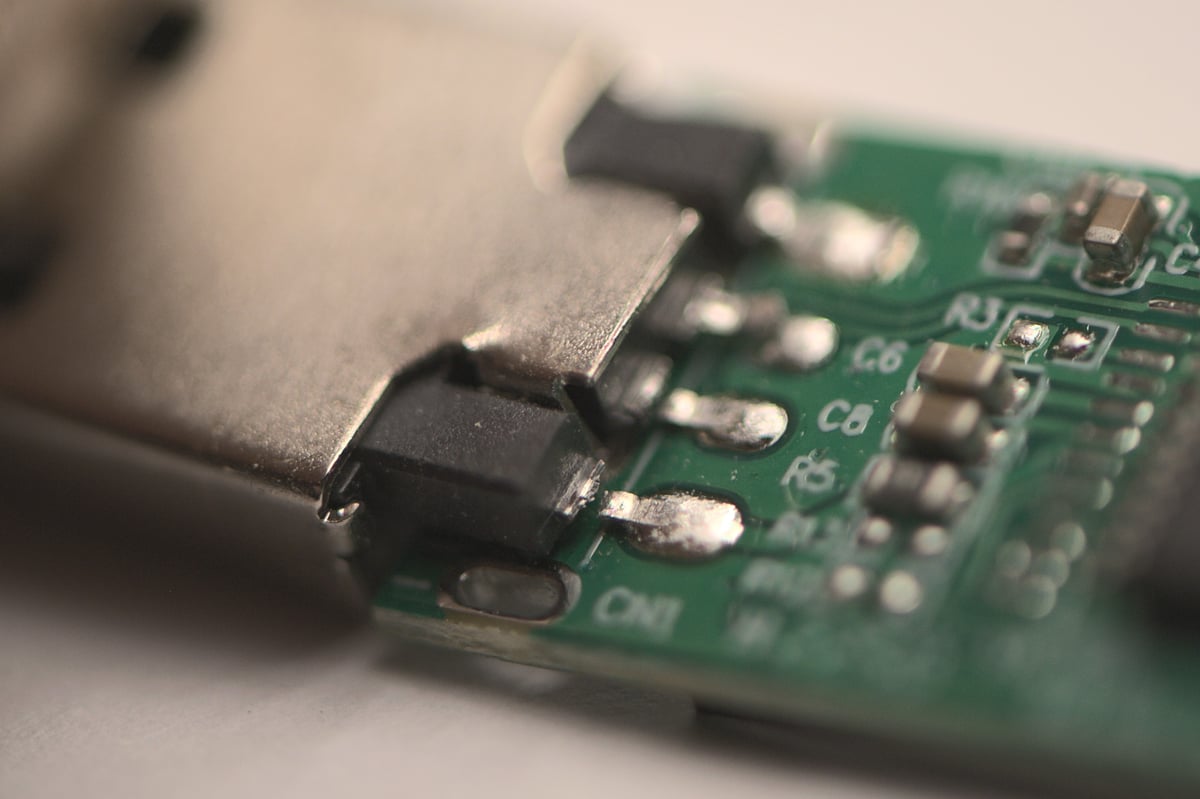
And of course, they might simply be built poorly. Below, you can see a USB stick that was struck laterally by a pianist. The solder joint snapped right off! That is an inconvenience easily avoided by a good-quality, low-profile USB stick.
Hi Alexander. I have a Roland E-80 keyboard and I want to replace the floppy disk with a USB emulator. Please tell me which emulator to buy that will fit the Roland E-80.
Hello Oleksander! I’d recommend checking with Stoyn at Nalbantov. Take close up pictures of the floppy disk drive and include them in your email. It looks to me like this is the right one, but it’s still a good idea to check with him since your model isn’t explicitly listed.
If you prefer a less expensive option, it looks to me like your Roland E-80 uses a very standard floppy disk drive—the ALPS DF354H148G. It’s quite likely you can use a Gotek with FlashFloppy, but be aware that’s a much more DIY approach!
Thank you very much, Alexander!