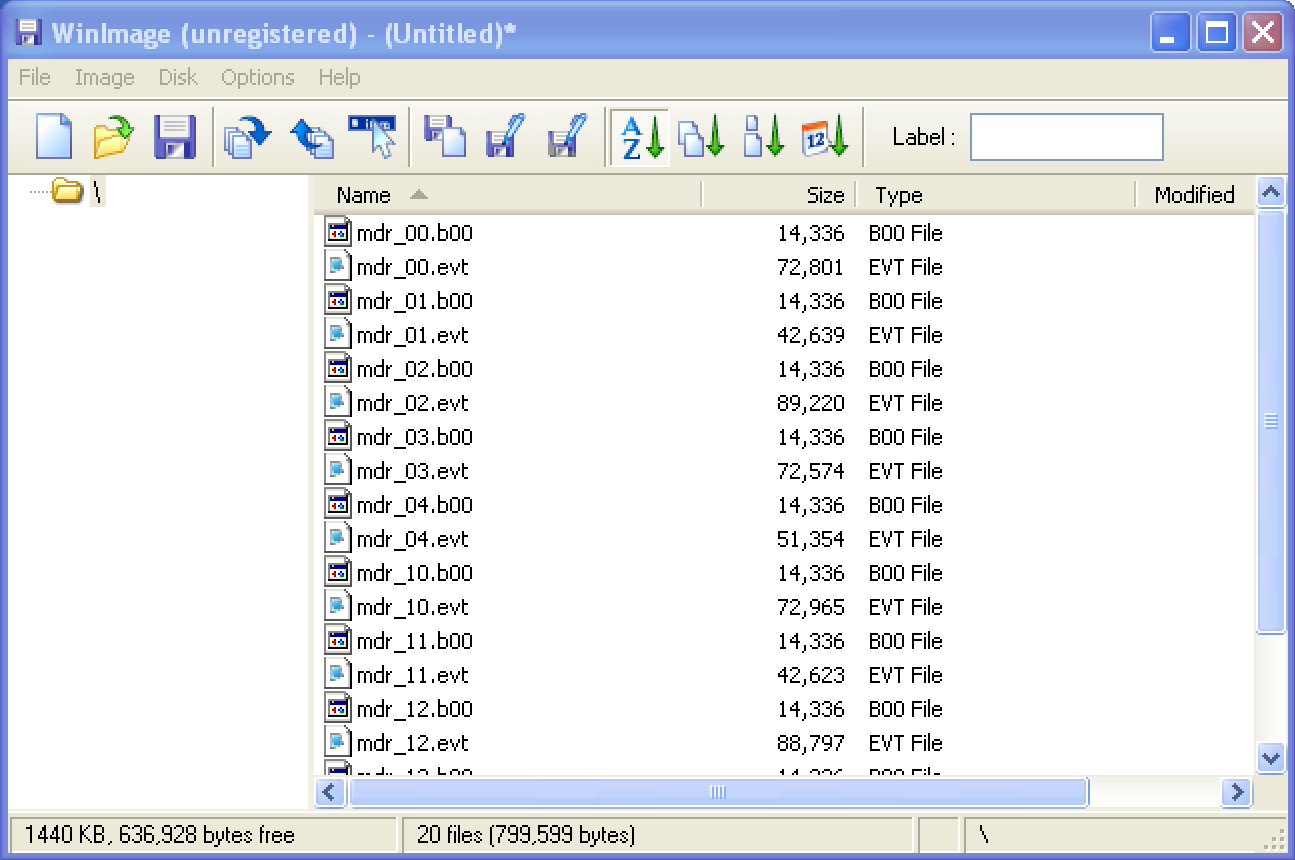
A person recently contacted me attempting to copy their Yamaha Electone Performance Disks. These files are not visible on Windows: If you attempt to open the drive you’ll see “The disk in Drive A is not formatted.” This is typical of Yamaha’s proprietary E-SEQ format, and does not necessarily mean there’s anything wrong with the floppy disk at all.
Copying the Files
None of the tools I typically use for reading Yamaha Disklavier floppy disks worked with the Yamaha Electone disk. However, I was able to easily open them with WinImage (https://www.winimage.com/). This was exciting! Give this piece of software a try, and see if you’re able to copy the contents off of the disks directly.
This will allow you to write them to another floppy disk, or store the files for the future. The software is shareware, and costs $30 after 30 days; however, this will give you plenty of time to verify that it works for your disk duplication needs!
Imaging the Disks (with optional Greaseweazle)
You can also save these images as .ima files, and they should be suitable to convert to .hfe files for use on USB floppy disk emulators such as the Gotek or Nalbantov. This is an option even if you cannot read the floppy disks at all.
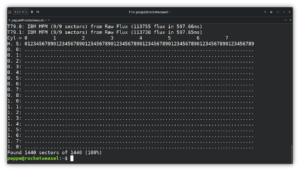
If the approach of duplicating the disks for use in your Yamaha Electone without copying the contents or opening the disk appeals to you, you could also duplicate these disks using Keirf’s Greaseweazle. See my article on copying Yamaha Disklavier floppy disks using the Greaseweazle. The steps are fundamentally the same.
File Format
The files on the Yamaha Electone performance disks do not easily convert from Yamaha’s E-SEQ format to MIDI. The files on these disks appear to be .b00 and .evt files. The .b00 files are consistently sized at about 14 KB, and there’s one for each .evt file.
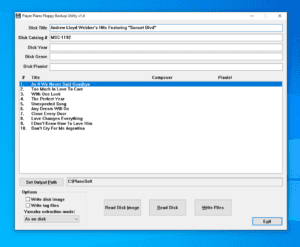
Hi Alexander, you might be interested in the program I recently wrote called YEFB (Yamaha Electone Floppy Backup). It can read and all electone floppies and write them, so you can make backups of your prescious floppies. It can even extract the seperate registration (*.b00, *.r00) and event (*.evt) files. You can read more about this program on this page: https://new.eldata.org/viewtopic.php?f=37&t=5607
Hello Yvonne! This is exciting, and I followed up privately. Thank you!
Hello Alexander,
The Toshiba FDD of my Yamaha MDR-3 (compatible with at least the HS & HX Series of Electone) went faulty some years ago.
I just replaced it with a Gotek USB-FDD emulator model SFRM72-FU-DL (~ 40 euros).
I’m using it with my Yamaha Electone HS-6 organ (almost 40 years old).
Under Windows, using an USB FDD and a small and very old app named RootARipper.exe (free) I was able to read my more than 60 “protected” MDR-3 3.5″ 720KB diskettes and save all my performance files (events .EVT & registrations .R00) onto the SSD of my PC. So, I have now a backup of them.
Then using a tiny USB stick of 4GB FAT32 (organized by folders which can hold the equivalent of few 1,000s of diskettes!!!), I moved my performance files from my SSD to my USB stick.
Then just plugging it to my Gotek/MDR-3, I rediscovered with a great pleasure all my past live performances.
Have a look at my post-comment on Amazon.fr:
– https://www.amazon.fr/Gotek-SFRM72-FU-DL-Floppy-Emulator-Electronic/dp/B01B1G51P0
further down on the page.
I updated today my post with additional comment and 2 new pictures showing the finished and modified Gotek emulator inside my MDR-3. It’s currently under moderation by Amazon.
GOTEK in Files mode into MDR-3:
>1GB USB Stick (choose a Folder) 720KB (already formatted) Internal Flash Memory MIDI In/Out Yamaha Electone HS/HX Series.
Joseph @ France
Hello Joseph,
Thank you very much for sharing this. That is excellent information for anyone still using a Yamaha MDR-3 with an HS or HX Electone. I really like those Gotek drives.
In cases where the individual files cannot be read from the disk, but the disk itself can still be read, another option is to make a disk image and place that image directly on the Gotek USB stick.
I am sure many owners of these older Electones will appreciate knowing that their performances and registrations can still be preserved and used without relying on aging floppy disks.
Thank you!