Why Isn’t PianoStream Working? Common Questions & Answers

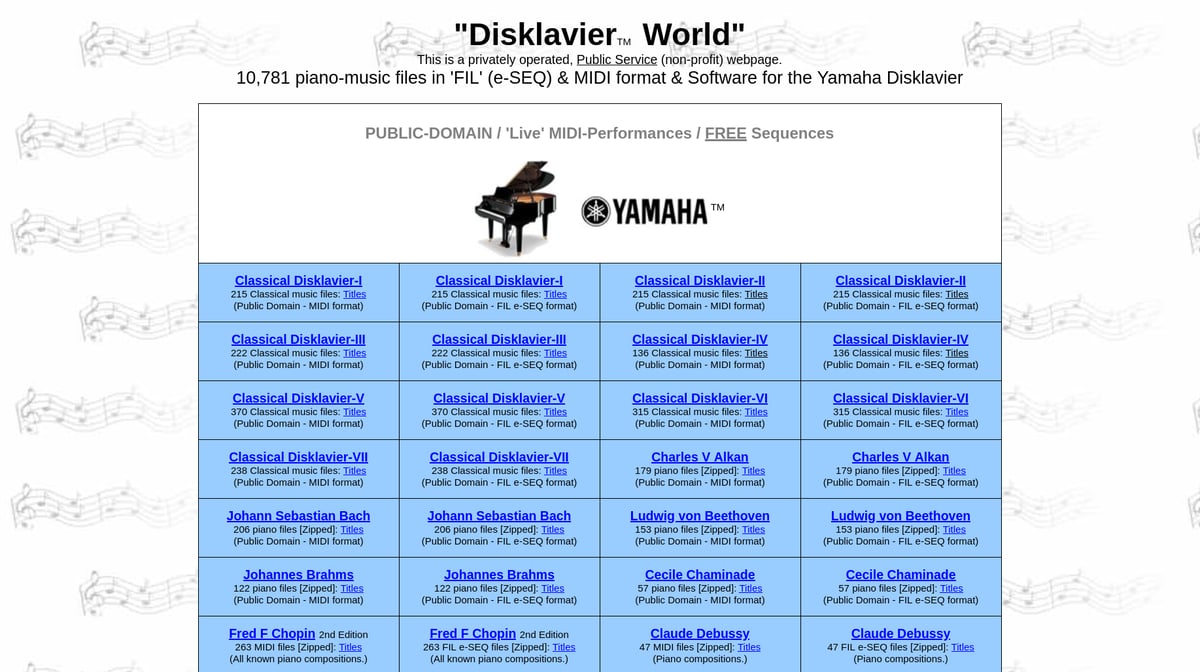
I frequently recommend PianoStream for older Disklaviers and other player pianos. This page answers the most common “PianoStream isn’t working” questions, especially for Yamaha Disklaviers (Mark I, Mark II, MX‑series, Wagon Grand) and systems that use Nalbantov USB floppy emulators. We’ll cover floppy/USB requirements, Analog and Digital mode, MIDI‑Bluetooth issues, and how to use PianoStream’s … Read more

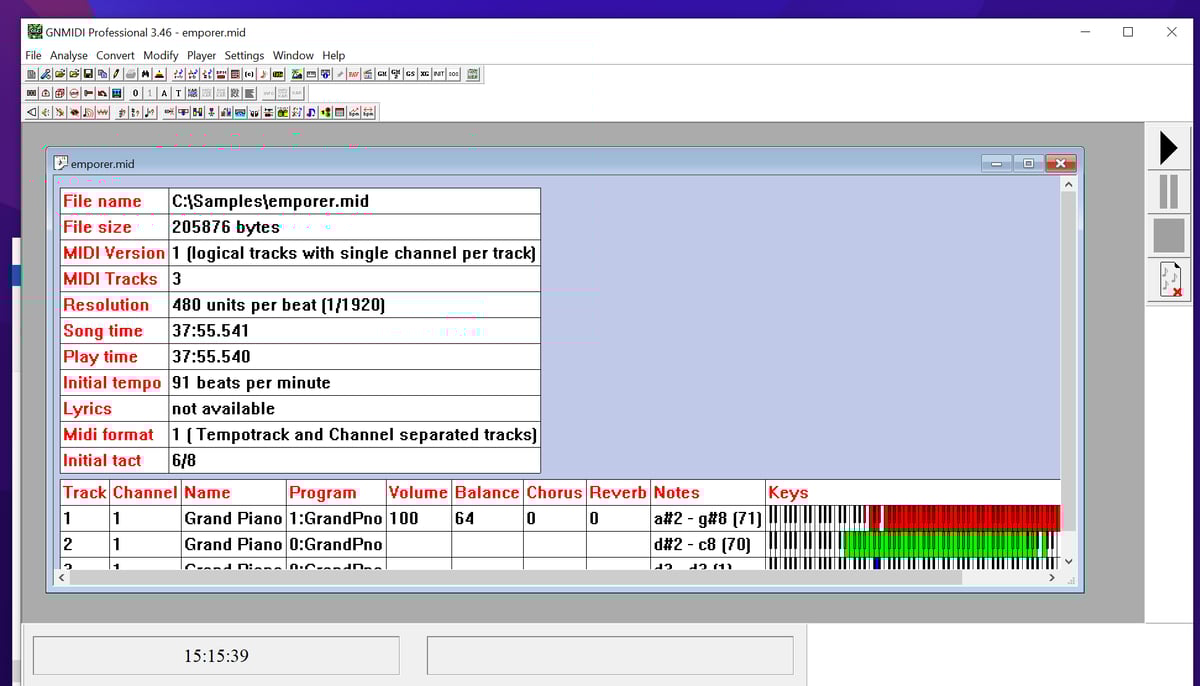
How to Convert MIDI Type 1 to Type 0 for Your Disklavier Using GNMIDI Professional

Yamaha Disklavier systems and most other player pianos work best with Standard MIDI Files saved as Type 0 (also called Format 0). Most MIDI files you download online are Type 1, so it’s important to convert them before loading them onto your Disklavier. If your MIDI file is in the wrong format, the most common … Read more

How to Update the Firmware on a Yamaha Disklavier ENSPIRE (DKC-900)

Normally your ENSPIRE will inform you that an update is available, and will apply it at the push of a button. However, if you don’t have an internet connection, or if your ENSPIRE stopped mid‑update or the app now won’t cooperate, the fastest, least‑painful fix is an offline USB update. If you can’t connect with … Read more

Can’t Read Disklavier or Clavinova Floppies? Fixes & File Recovery

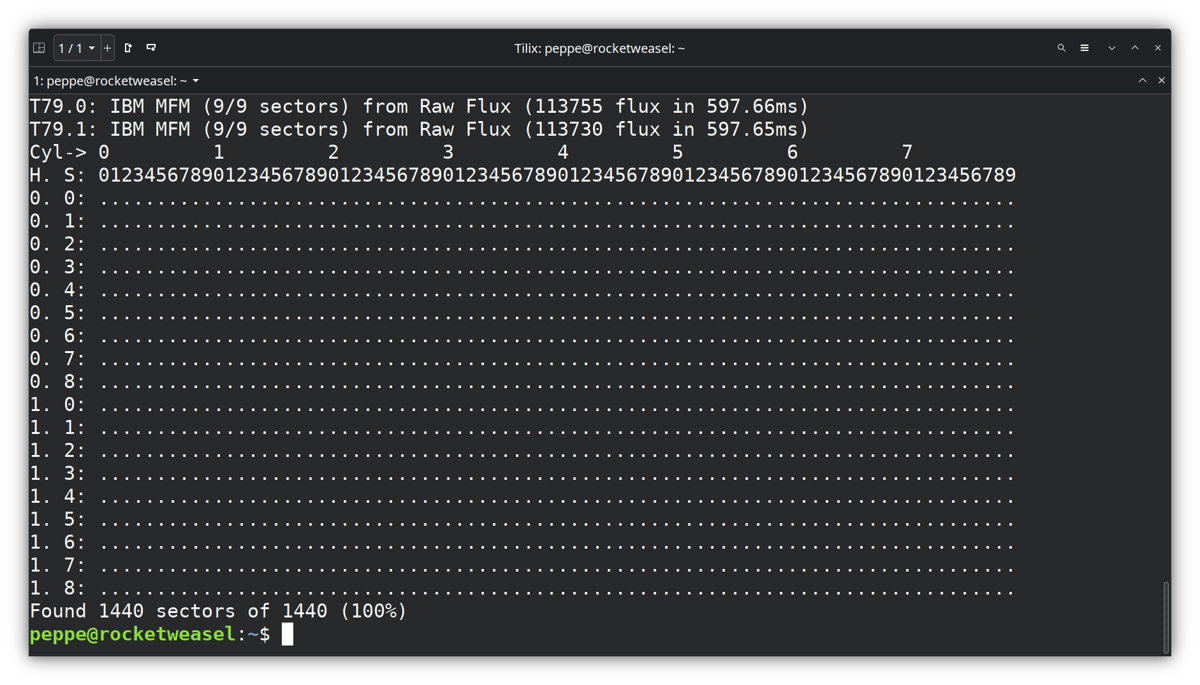
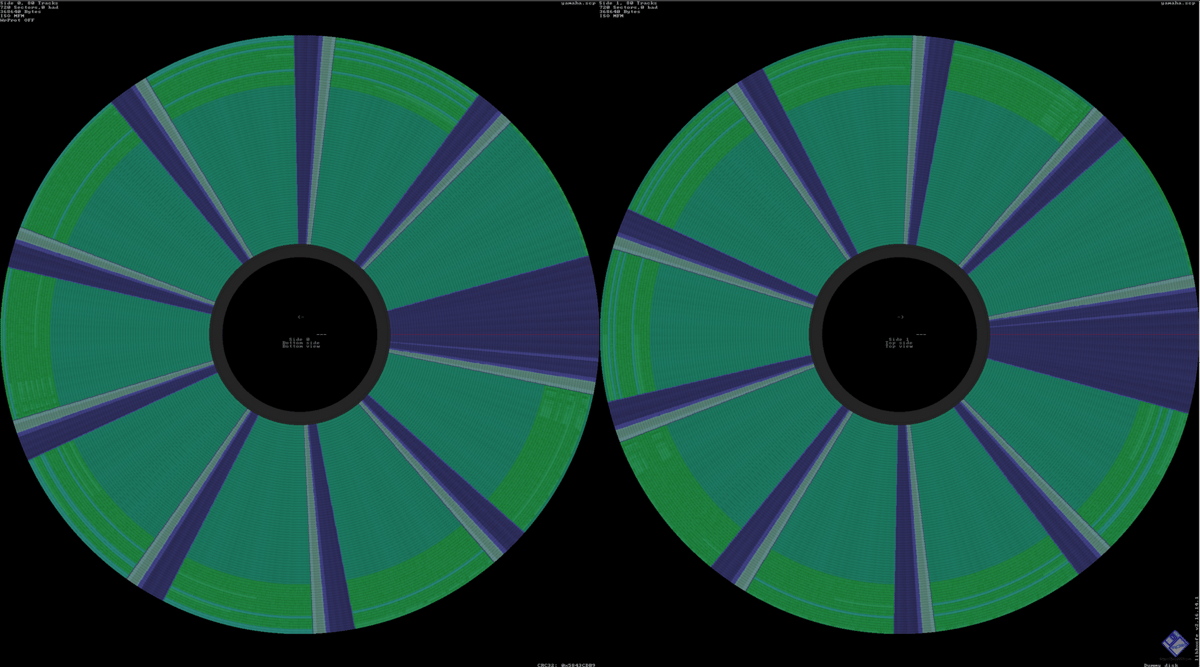
If you’re struggling to read your Yamaha Disklavier or Clavinova floppy disks, you’re not alone! This guide explains why older Yamaha disks often look unreadable to PCs, what tools reliably extract the files, how DD/HD media mismatches and drive issues cause read failures—along with what to do to recover your songs. Yamaha Disks Have Copy … Read more

Fixing Keyboard, Disklavier, & Nalbantov USB Issues: FAT32 & Superfloppy Format

I frequently receive requests from customers reporting that their keyboard or Nalbantov floppy disk emulator can’t read their USB stick. Usually, the issue is that the USB stick isn’t formatted correctly as a FAT32 device, or that it’s corrupt. I’ve created this guide to explain how to format your USB sticks in a manner that’s … Read more

Installing a Nalbantov Floppy Disk Emulator in DKC-500RXG

A customer recently asked me to upgrade his DKC-500RXG floppy disk drive to a Nalbantov USB floppy disk emulator. I’ve recommended the Nalbantov emulator for many years. It has no moving parts and a capacity of 1000 floppy disks on a single USB stick, and is an excellent replacement for the original floppy disk drive. … Read more

Using a Flipper Zero as a Substitute for the Yamaha Disklavier Remote Control

The Yamaha PPR-200E remote control plays a key role when converting the Yamaha DKC-800 to a DKC-850. In fact, it isn’t possible to change the PianoType parameter without a working remote control! I’ve also been collecting signals from other Disklavier remotes, such as the PPR-103E for the Mark III, and even the PPR-100 for the … Read more

DKC-850 Conversion Cables: What They Do and How to Buy

In my Disklavier Upgrades guide article, I make reference several times to DKC-850 conversion cables. These are the cables you use to connect your older Yamaha Disklavier to a newer DKC-850 control unit (or a DKC‑800 converted to act like a DKC‑850). The original conversion cables were provided by Yamaha as part of the DKC-850 … Read more

How to Convert a Disklavier DKC-800 Control Unit to a DKC-850

The E3’s DKC-800 control unit can be repurposed as a DKC-850 upgrade system with nothing more than the correct power adapter, a single DIP‑switch change, and one adjustment to your settings. Now that the DKC-850 upgrade kit is discontinued, this approach is one potential way to bring your old Mark I, II, or III Disklavier … Read more

Disklavier DKC-800/850 Adapter (PJP-PS02 Replacement)

Unlike full E3 systems, the DKC-800 and DKC-850 piggybacked upgrades are powered by external AC adapters, such as the PJP-PS02. The original Yamaha Disklavier E3 installations use the Disklavier’s power supply, but these piggybacked installations require their own source of power. I recently had a customer reach out to me using an aftermarket power adapter, … Read more