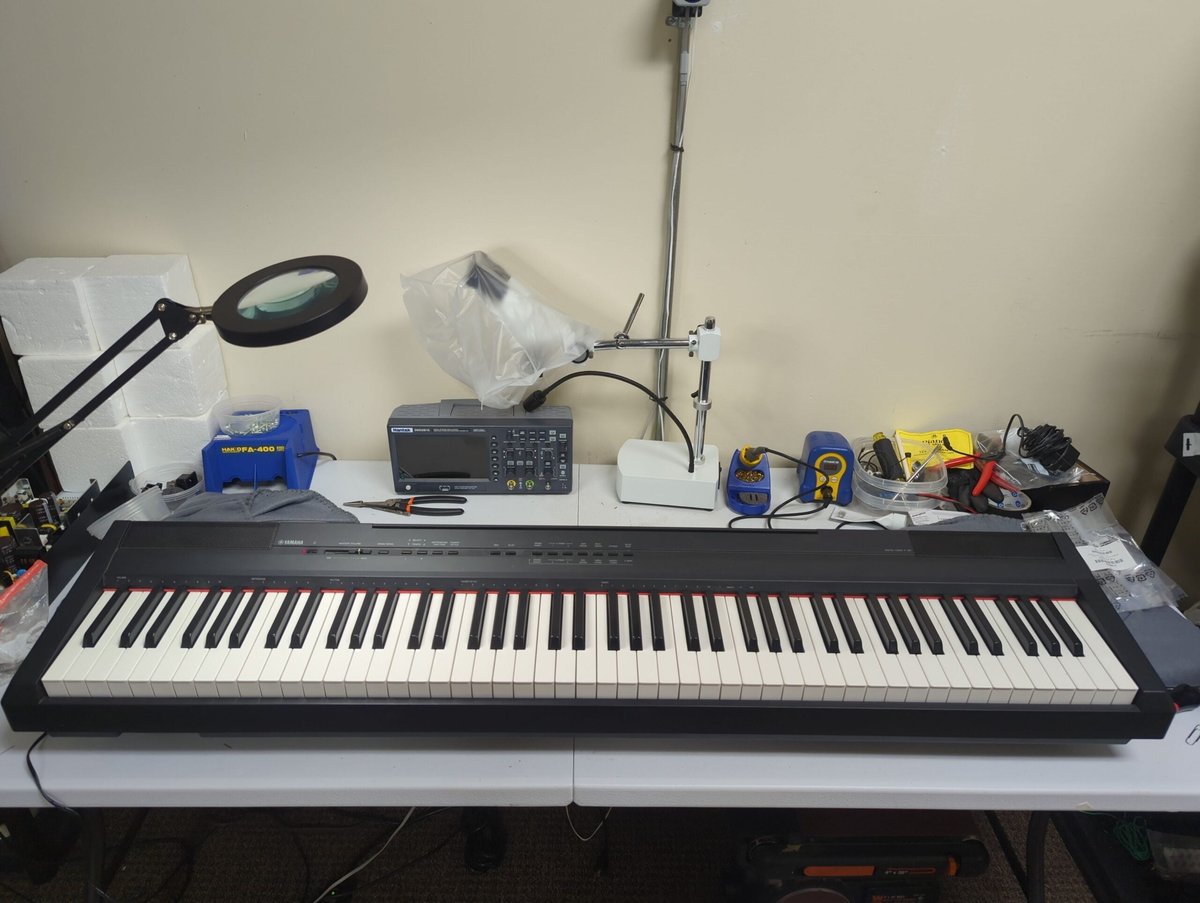
Clients regularly ask me what digital piano they should buy. Buying a “budget” digital piano is one of those decisions that feels simple, but there are many pitfalls. I’m a piano technician and an authorized service center for Yamaha, Roland, and Casio, and so I see the aftermath of these purchases all the time—good and bad.
The good news is that you can buy an inexpensive digital piano that’s genuinely enjoyable to play. The bad news is that you can also buy something that technically has 88 keys and feels like somebody poured butter between the keys.
So if you or your child is just starting out, what’s the best keyboard to buy?
The two rules that prevent most buyer’s remorse
Buy 88 keys with a weighted action
If you’re learning piano (or coming back to it), you want the muscle memory of a real instrument. That means fully weighted keys with some kind of graded hammer action. Graded actions are heavier when playing lower notes, and lighter when playing higher notes, just like a real piano.
A 61‑key keyboard can be great for production and synth work, but if your goal is piano, don’t start by limiting the instrument. Actions that use springs instead of weights are quite a bit cheaper, but will prevent you from learning to play with delicacy or range.
Budget for the setup, not just the keyboard
You do need a keyboard, but you’ll also need a pedal or pedals, a stand, and typically headphones or other accessories. You’ll also probably want a bench. Some keyboards include all of these accessories, but others do not.
First decision: portable slab vs. furniture‑style console
Portable slab (Yamaha P‑series / Roland FP‑series style)
- Pros: These are your best value per dollar. They’re easy to move, and great for small spaces.
- Cons: You’ll usually need a stand and pedal (and often a better bench). The speakers are typically smaller. The construction is typically lighter and less durable.
Console / cabinet (Arius / “home piano” style)
- Pros: More stable and “piano‑like” (especially pedals), better speaker placement, looks like furniture. The nicer consoles often look just like a little upright piano.
- Cons: These are much heavier. The largest console digital pianos weigh several hundred pounds. They’re not portable, and they often cost more for the same or similar components used in portable systems.
Quick “just tell me what to buy” decision guide
Some links in this article are affiliate links. As an Amazon Associate I earn from qualifying purchases. Your click fuels hours of reviewing old service manuals—at zero added cost to you.
| Best for… | Model | Link |
|---|---|---|
| Lowest‑cost “real piano basics” | Yamaha P‑45B | Amazon |
| More modern for a few dollars more | Yamaha P-145 | Amazon |
| Best action/feel per dollar (often) | Roland FP‑10 | Amazon |
| More fully featured; same action as FP-10 | Roland FP-30X | Amazon |
| You want the furniture look on a budget | Donner DDP‑80 | Amazon |
| You want a stable home console and can spend more | Yamaha YDP‑165 | Amazon |
See an in-depth, side-by-side comparison of the Yamaha P-45B and the Roland FP-10 here. I’ve also got a detailed discussion of the differences between the Yamaha P-45B and the newer Yamaha P-145 here.
My short list of solid inexpensive options
These are the models I get asked about constantly, and the ones I’m comfortable recommending in their price tiers. I recently also wrote an article comparing the Yamaha P-45B, Roland FP-10, Donner DDP-80, and Alesis Recital.
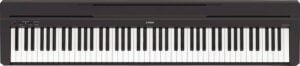
Yamaha P-45B—the “baseline” beginner digital piano
The P-45B is often the entry point for people who want something simple, reliable, and actually reminiscent of a piano. If you’re a beginner, an adult returning to piano, or you need a no‑nonsense instrument for practice, the P-45B is usually a safe bet.
This is the least expensive keyboard that I regularly recommend. The quality is very good, and the lifespan typically very long.
As a technician, I do repair these regularly. Most of the damage I find is caused by spilled beverages or other liquids, and hardly ever due to manufacturer defect. However, Yamaha has exceptional parts support.
Their Yamaha 24×7 service allows technicians to get the majority of common parts within days, and they support keyboards for many years. I’m regularly able to order parts for 20-year-old devices. When it comes to long-term support, these are probably the best choice.
You will need to purchase a stand and bench. A sustain pedal is included.
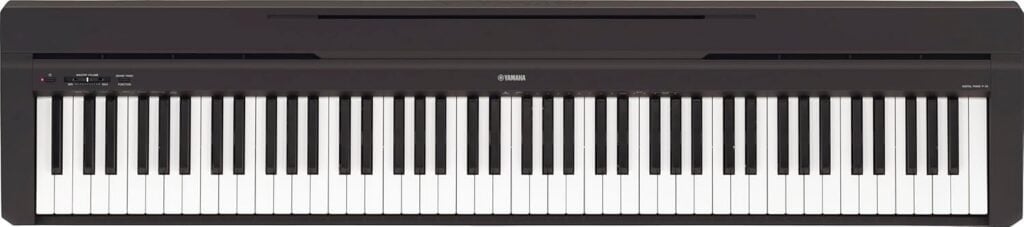
Yamaha P-145 (the modern successor to the P-45)
The Yamaha P-145 is Yamaha’s current entry-level 88-key slab, and is effectively the newer “P-45 class” model. It keeps the same beginner-friendly simplicity, but Yamaha updated several practical things that matter: The key action is a newer compact design, the main piano tone is updated, and it’s a more modern choice if you want to connect to a computer or phone for recording and apps.
What changed vs. the P-45? The P-145 moves from the older GHS action to the newer GHC (Graded Hammer Compact) action, uses a CFIIIS-based piano sound with damper resonance, and adds a true USB audio interface for easier recording (not just MIDI). It also supports a 3-pedal unit if you want a more “upright-like” setup later.
- Best for: beginners who want a Yamaha they can grow into, plus anyone doing online lessons or simple USB recording.
- Not ideal for: shoppers who just want the basics, and are looking to save money.
My advice: If you’re buying new and the price difference is reasonable, I generally prefer the P-145 over the P-45. Either way, don’t skimp on the setup—use a stable stand, a decent bench, and a real sustain pedal that won’t slide around.
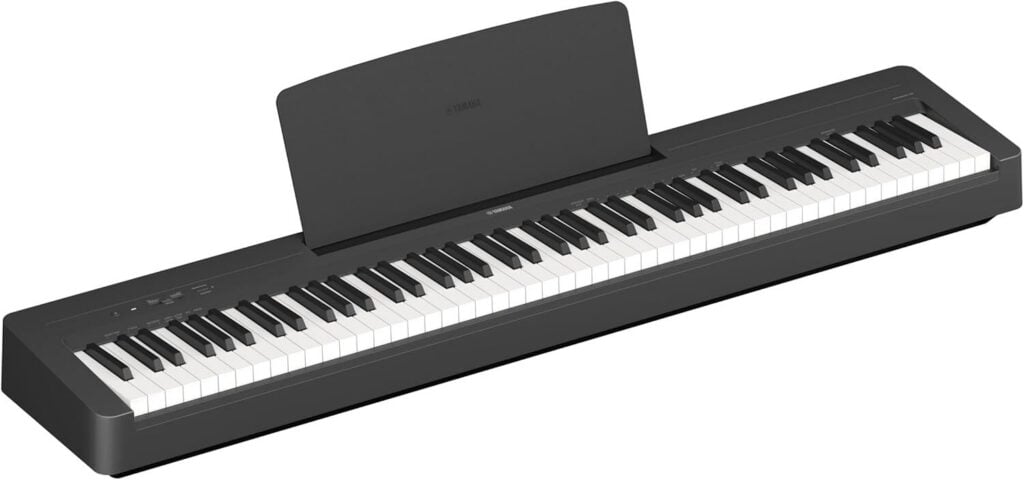
Roland FP‑10—often the best “feel per dollar”
If you’re picky about touch, the FP‑10 is a common “upgrade pick” over the P‑45B. It’s also a nice choice if you care about app/MIDI features for learning and practice. Need help deciding between this and the P-45B? See my article comparing the FP-10 to the P-45B.
Roland has long been respected for their high-quality touch. Even their least expensive instruments include the feeling of “escapement,” which is an extra detail that even better simulates the feel of an acoustic piano. Other manufacturers include this as a premium feature.
Roland has excellent parts support as well, and defects in these are extremely rare. I routinely repair Roland keyboards that are a decade or more old. Yamaha products such as the P-45B surpass it in support and to a small degree in sound, but in terms of touch this is unequaled for the price.
You will need to purchase a stand and bench. Sustain pedal is included.
Considering whether to purchase the base FP-10, or whether you should upgrade to the FP-30X, FP-60X, or even FP-90X, please see my article comparing these popular Rolands.
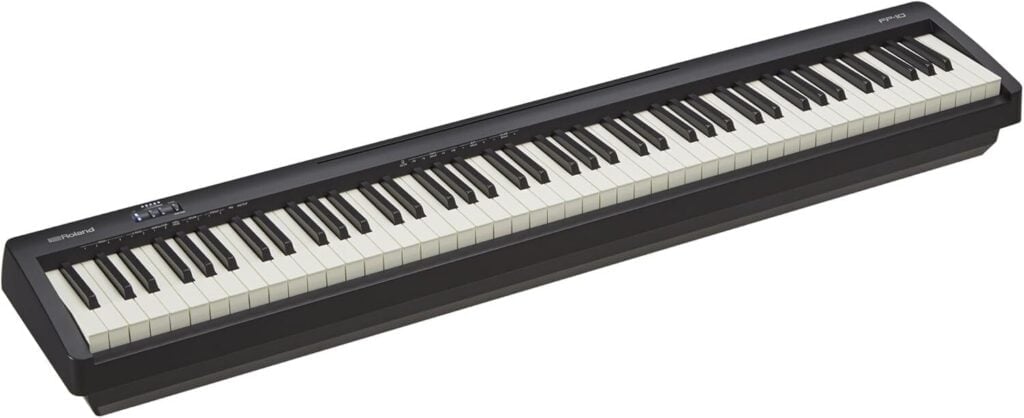
Donner DDP‑80 — the “budget furniture look” option
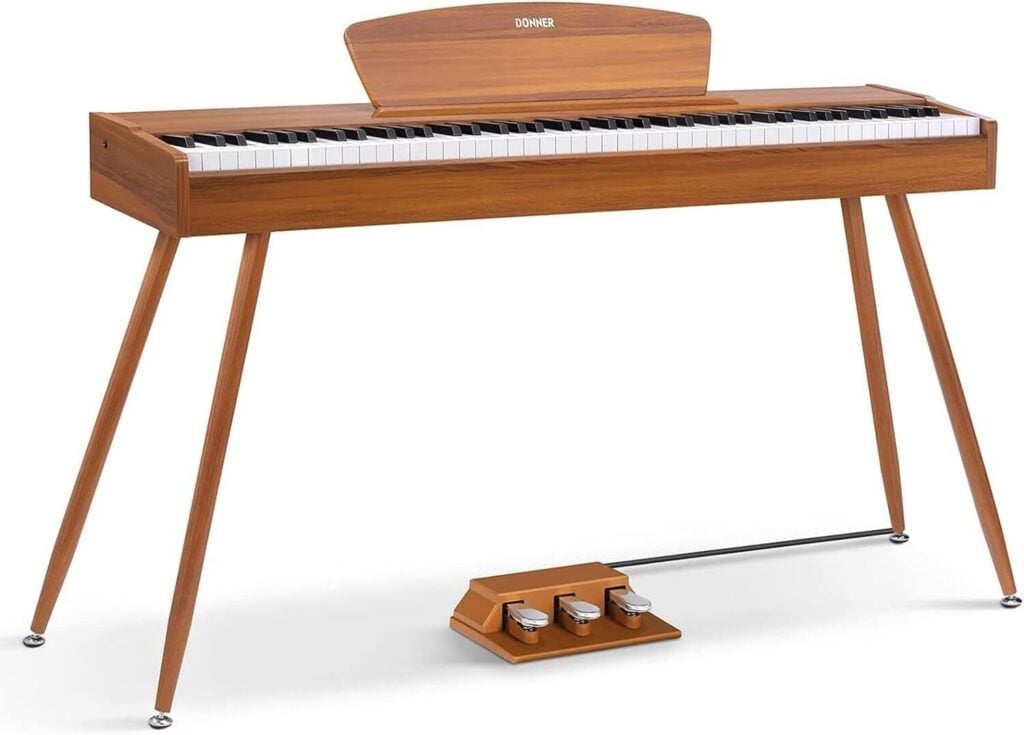
The DDP‑80 is popular for one big reason: It looks like a home console piano for not much money, often with a three‑pedal setup included. This is the kind of instrument people buy when they want the “complete package” without piecing together a stand and pedals separately.
When you buy budget “furniture pianos” from newer brands, you’re often giving up some long‑term serviceability and consistency. The sound and feel will be noticeably weaker than the Yamaha and Roland options, even to a non-player. That may be totally fine—just go in with eyes open.
Components are proprietary, and you generally won’t be able to obtain parts, even if the keyboard fails within the first year or two of ownership. Worse, they’re not designed to be repaired, so even an enterprising technician will hit major pitfalls just opening the instrument.
This package includes the stand and pedals.
Yamaha YDP‑165—when you want a real “home piano” experience
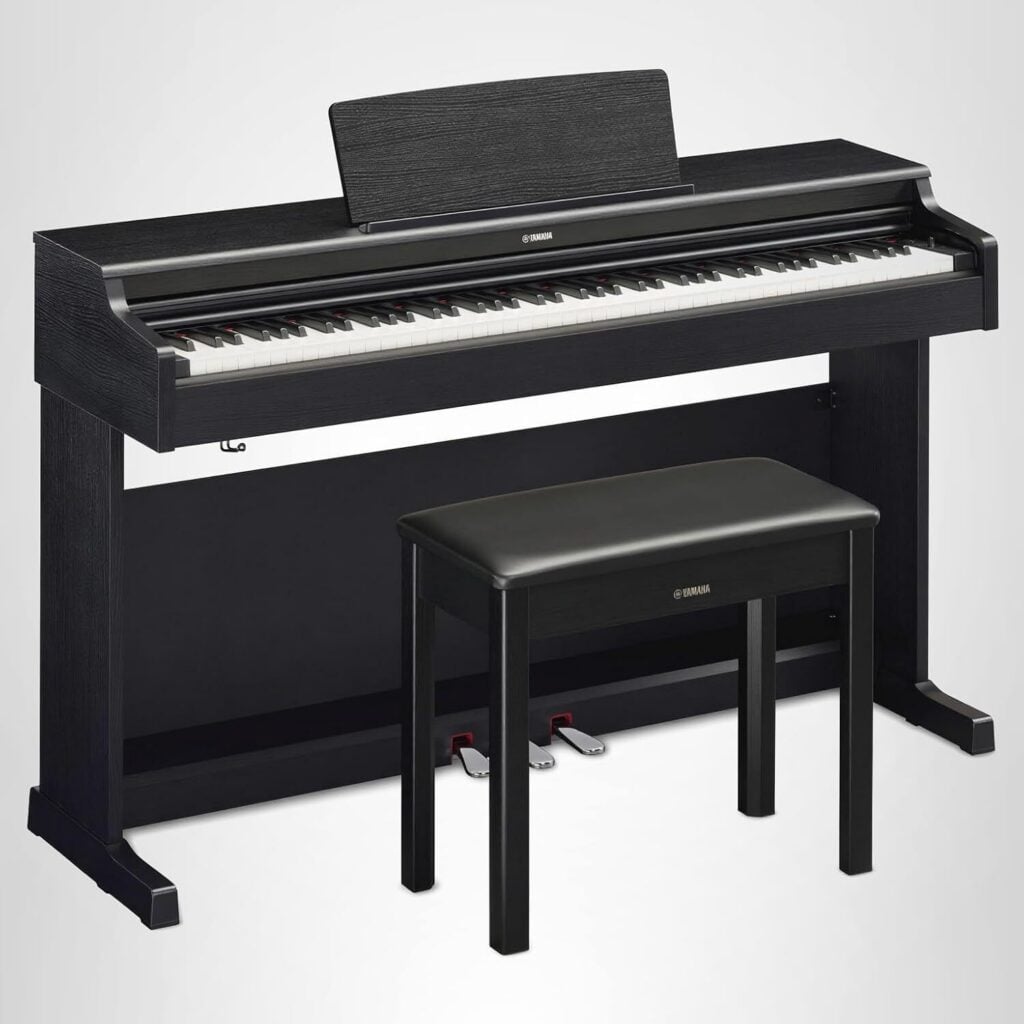
If you can stretch the budget, the YDP‑165 (Arius series) is a very common “this finally feels like a piano at home” step up from entry‑level slabs. You’re paying for a stable cabinet, an integrated pedal setup, and a more satisfying living‑room playing experience.
This has the Yamaha GH3 action, which is a noticeable improvement over the GHS action in the P-45B. In addition to an improved touch and feel, the triple-sensor contacts action introduces the concept of realistic damper behavior: How quickly you release the key alters the sound!
This package includes the stand, pedals, and bench.
The accessories that matter
Sustain pedal: don’t cheap out
A bad sustain pedal is one of the most annoying “small” problems you can buy. Low quality sustain pedals often malfunction early in life, since they have to tolerate being literally stepped on. The Yamaha FC5 is a small but sturdy pedal, and is a noticeable upgrade to the one included with the Yamaha P-45B.
They slip, they break, and sometimes they work backwards. If you’ve ever had the classic “it sustains when my foot is OFF the pedal” problem, start here:
Sustain Pedal Works Backwards? Why It Happens & Best Pedals to Buy!
If you just want quick “buy it and move on” options:
Headphones: the fastest quality‑of‑life upgrade
If you share a home (or walls), headphones can be the difference between daily practice and “I only play when nobody’s home.” I’ve put together my current favorites here:
The Best Headphones for Keyboards, Digital Pianos, and Hybrids
One of my long‑time “default” recommendations is the AKG K240 Studio. They’re inexpensive, and are semi-open with great sound quality.
Surge protection: boring… until it isn’t
Digital pianos are computers with keys. They don’t love spikes, lightning, mistakes your electrician makes, etc. Aside from spilled beverages, power surges are one of the most common explanations for mysterious failures and misbehavior. If you want the “buy once, forget about it” recommendation, start here:
Choosing the Best Surge Protector for your Disklavier or Keyboard
Buying used? Follow this quick checklist!
Used digital pianos can be an excellent deal—especially from Yamaha and Roland—but I’d test a few things before handing over cash:
- Play every key (yes, all 88) and listen for dead notes or weird velocity behavior. This is a great time to practice your chromatic scales! The volume should be even.
- How noisy is the keyboard, and do any keys click or make whacking sounds when you release them? Many keyboards use felt to cushion the weights, and these decay with time and use.
- Test the headphone jack (it should be clean and not crackly). Make certain that the sound is the same in both ears. Audio failures or degradation are often more obvious on one channel than the other.
- Test the sustain jack with a real pedal.
- Make sure it powers on reliably and doesn’t reboot or cut out. Play big gnarly chords and turn the volume way up. Sometimes power or heat limits kick in that aren’t apparent at lower settings.
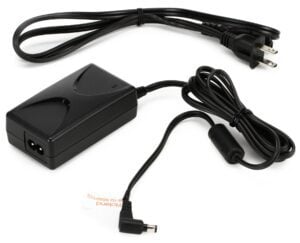
- Inspect the power supply and connector (loose or damaged power jacks can turn into real repairs). Look for burn marks, damage to cords, or separation.
If you’re troubleshooting a keyboard you already own (or you bought one used and it’s acting weird), start here:
Troubleshooting Your Digital Piano or Keyboard
And if you’re dealing with a Yamaha that’s glitchy or mysteriously mute, a reset sometimes saves the day:
How to Factory Reset Most Yamaha Keyboards and Digital Pianos
One last thing: the best upgrade is lessons
The right instrument helps, but the fastest progress is usually a good teacher (even for adult beginners).
If you’re in Maine, I maintain the Maine Piano Teacher Directory.